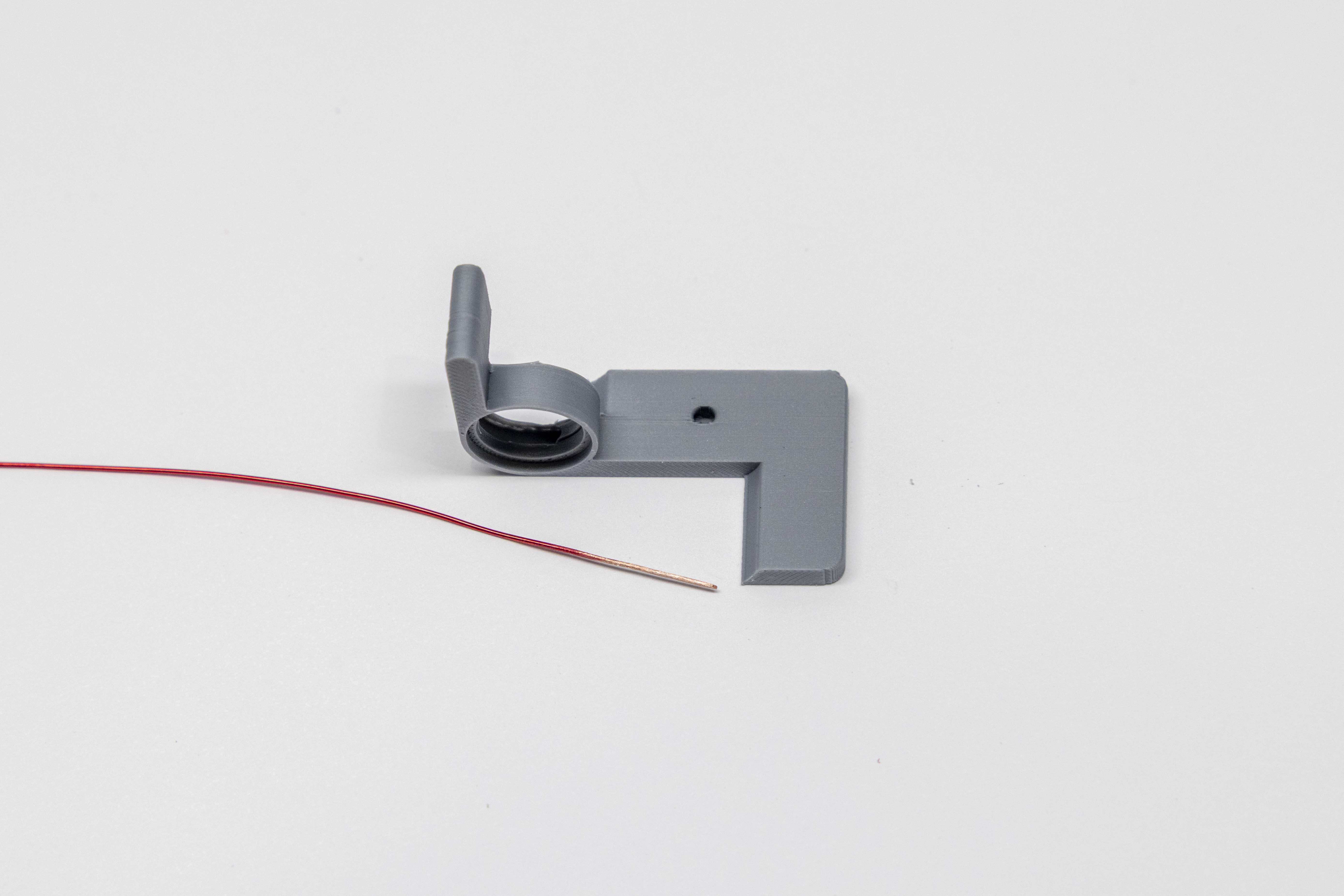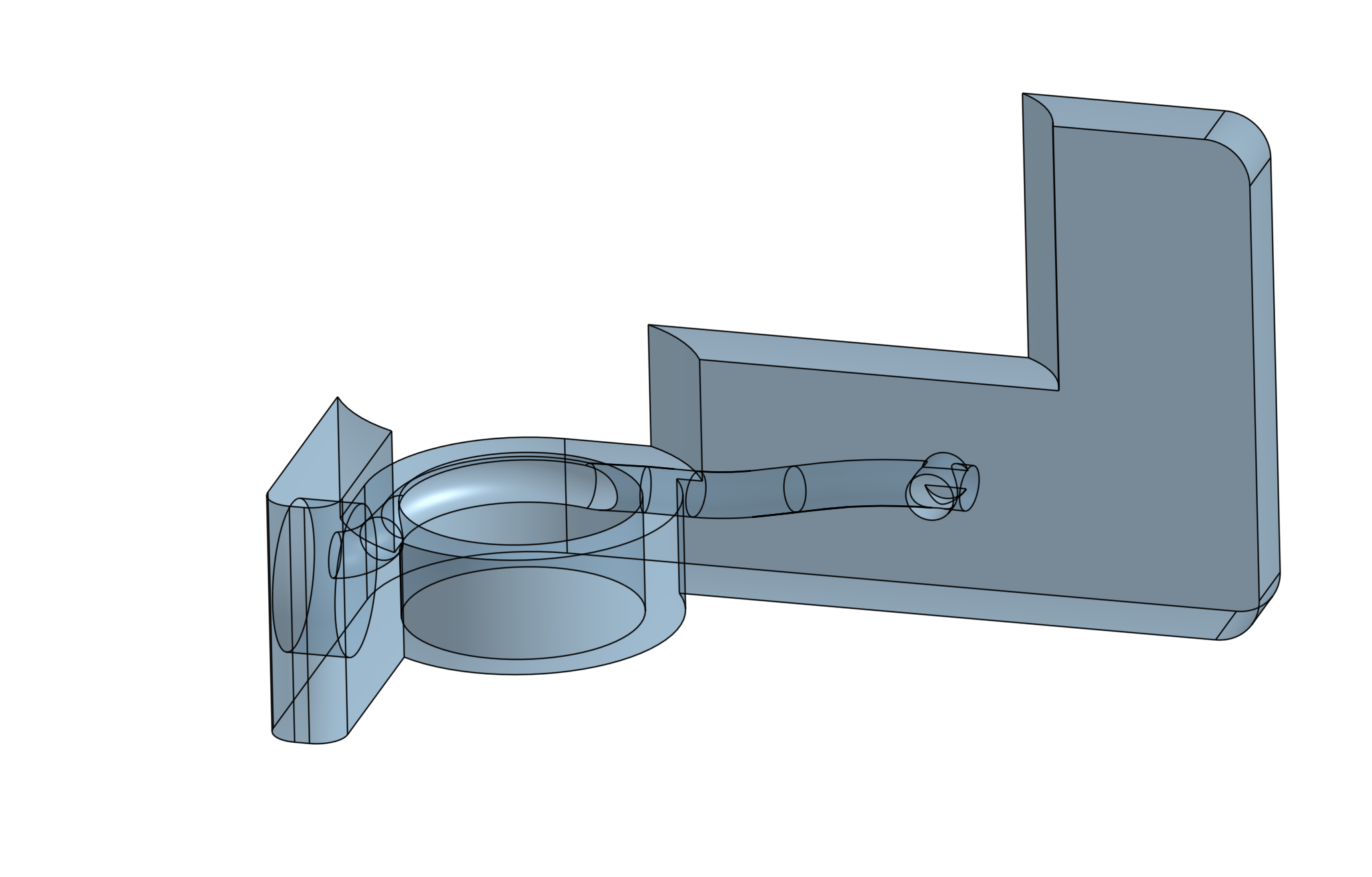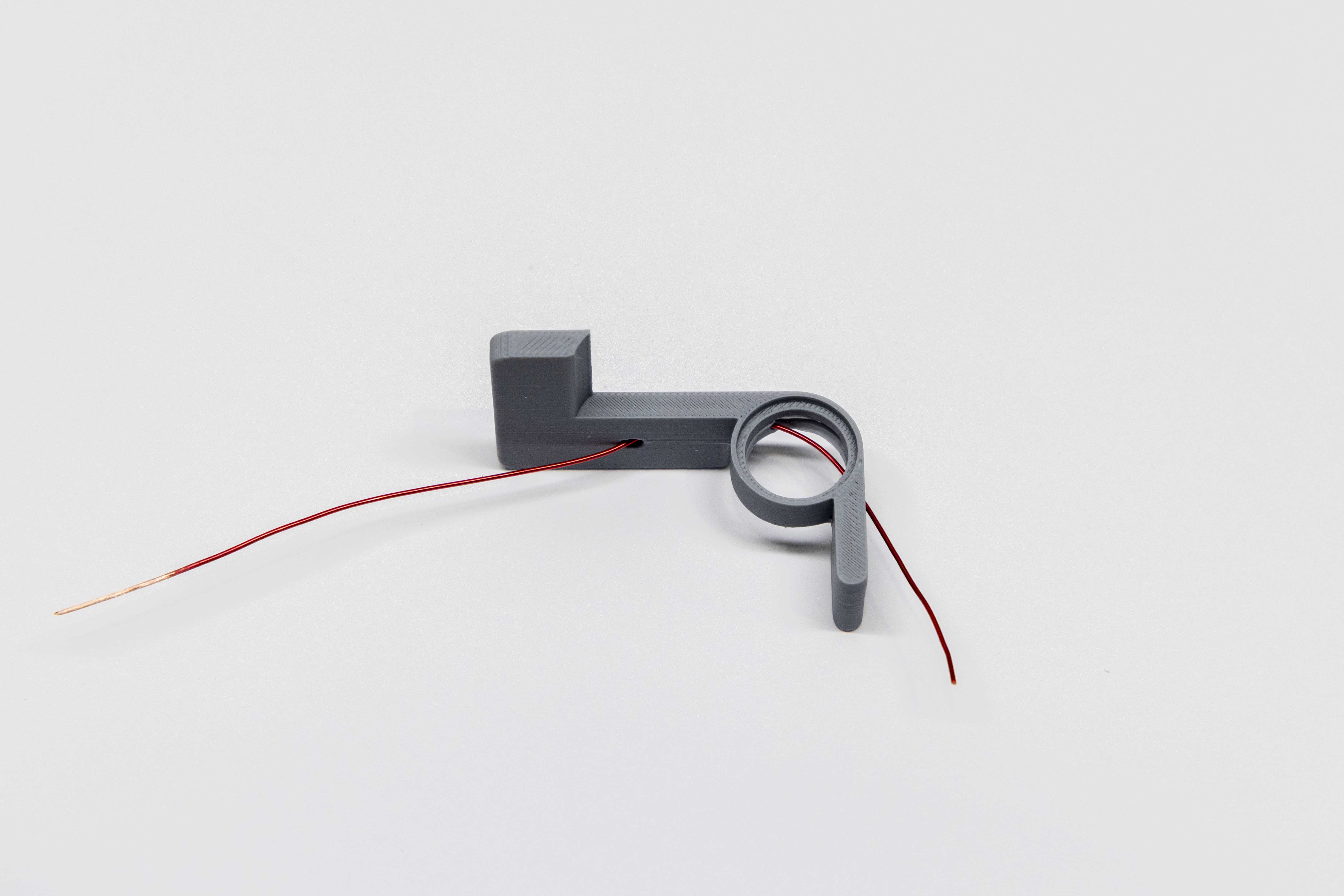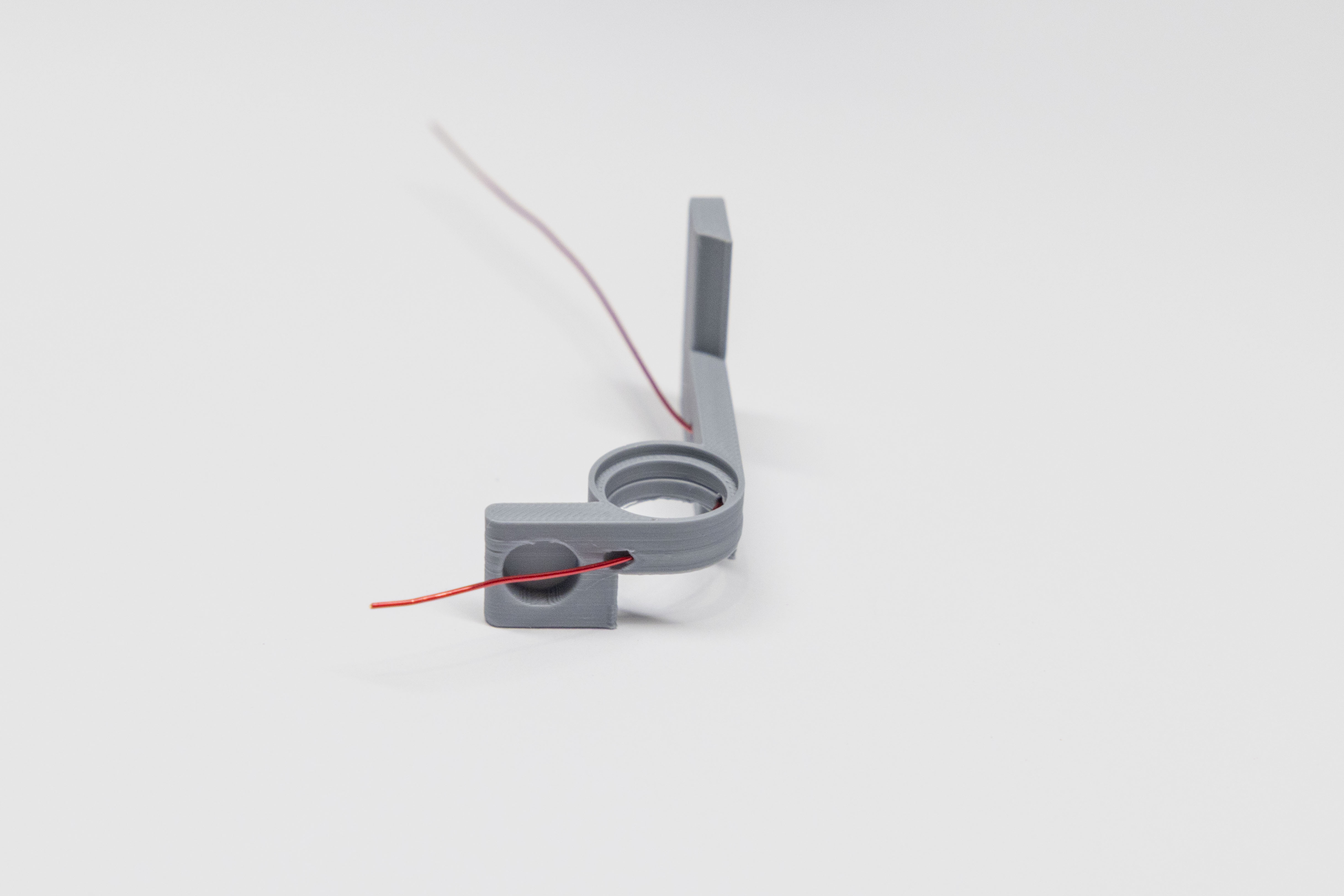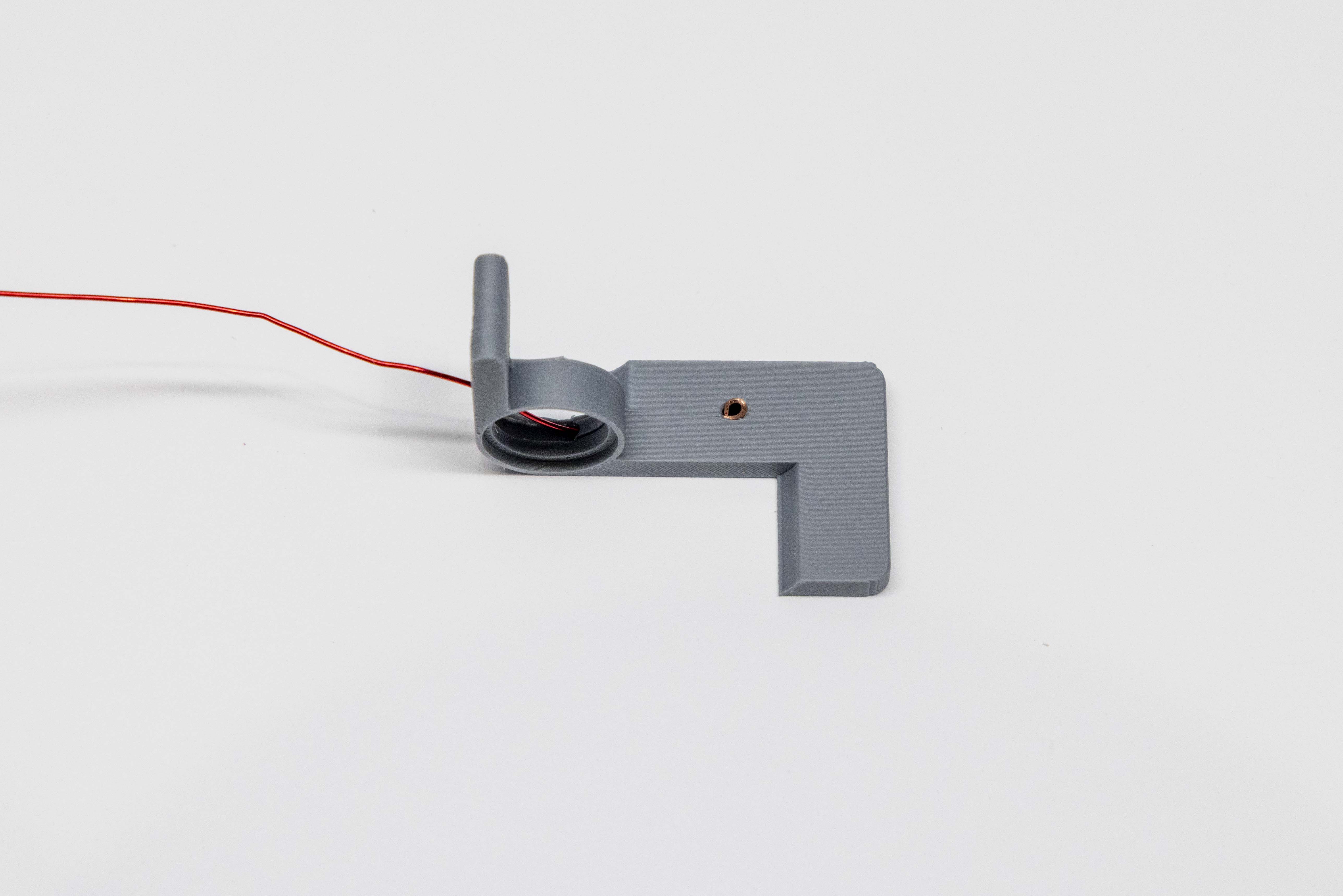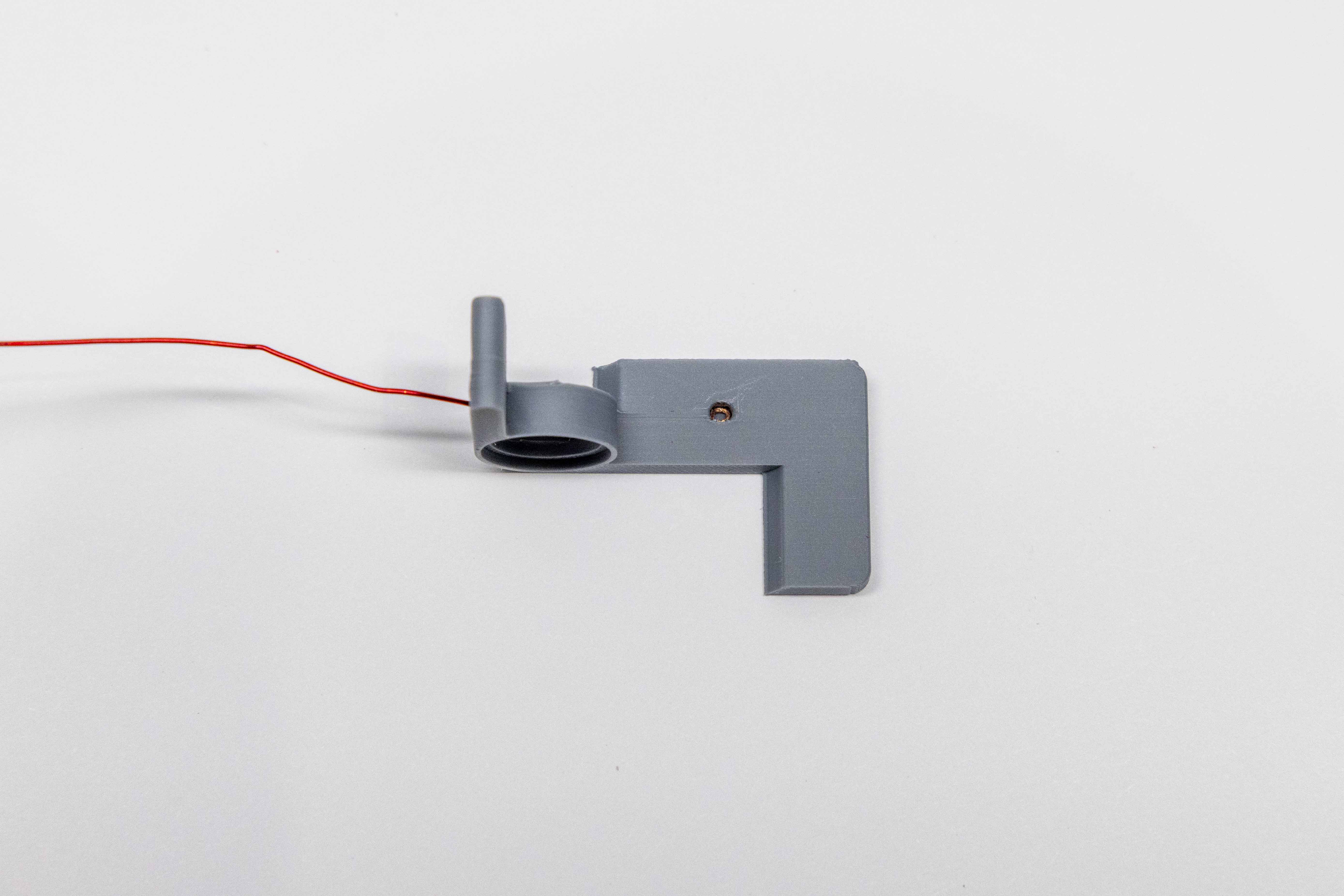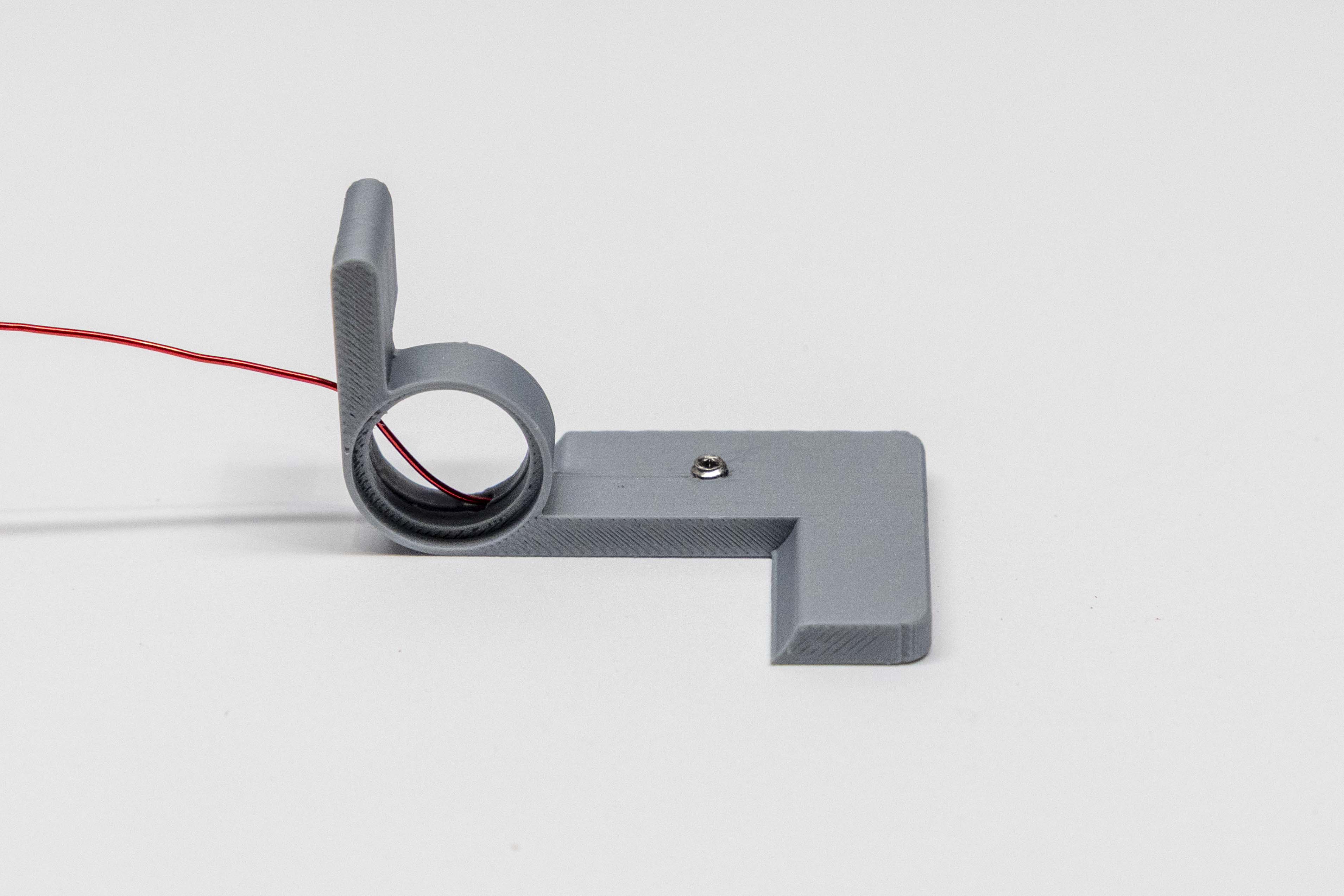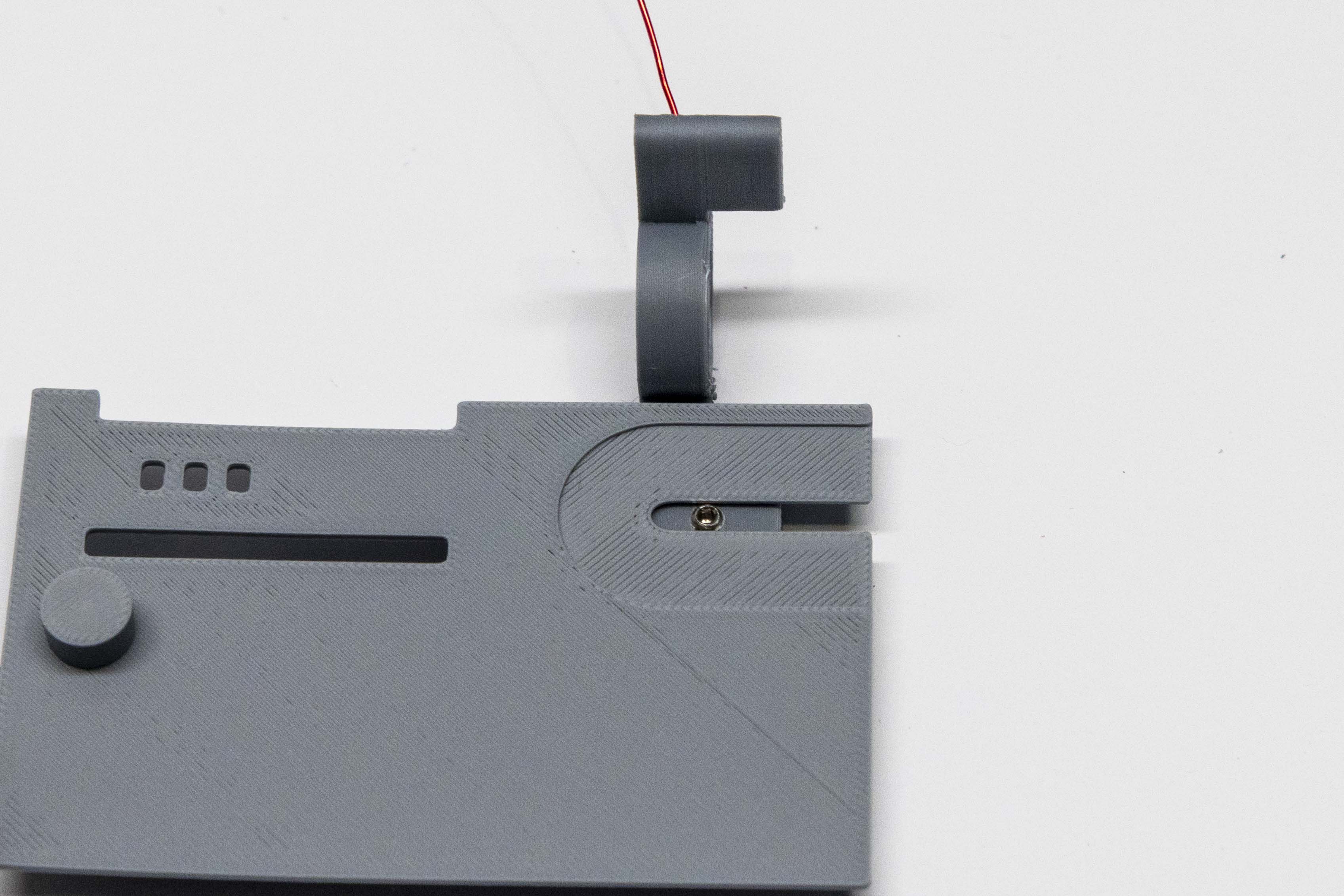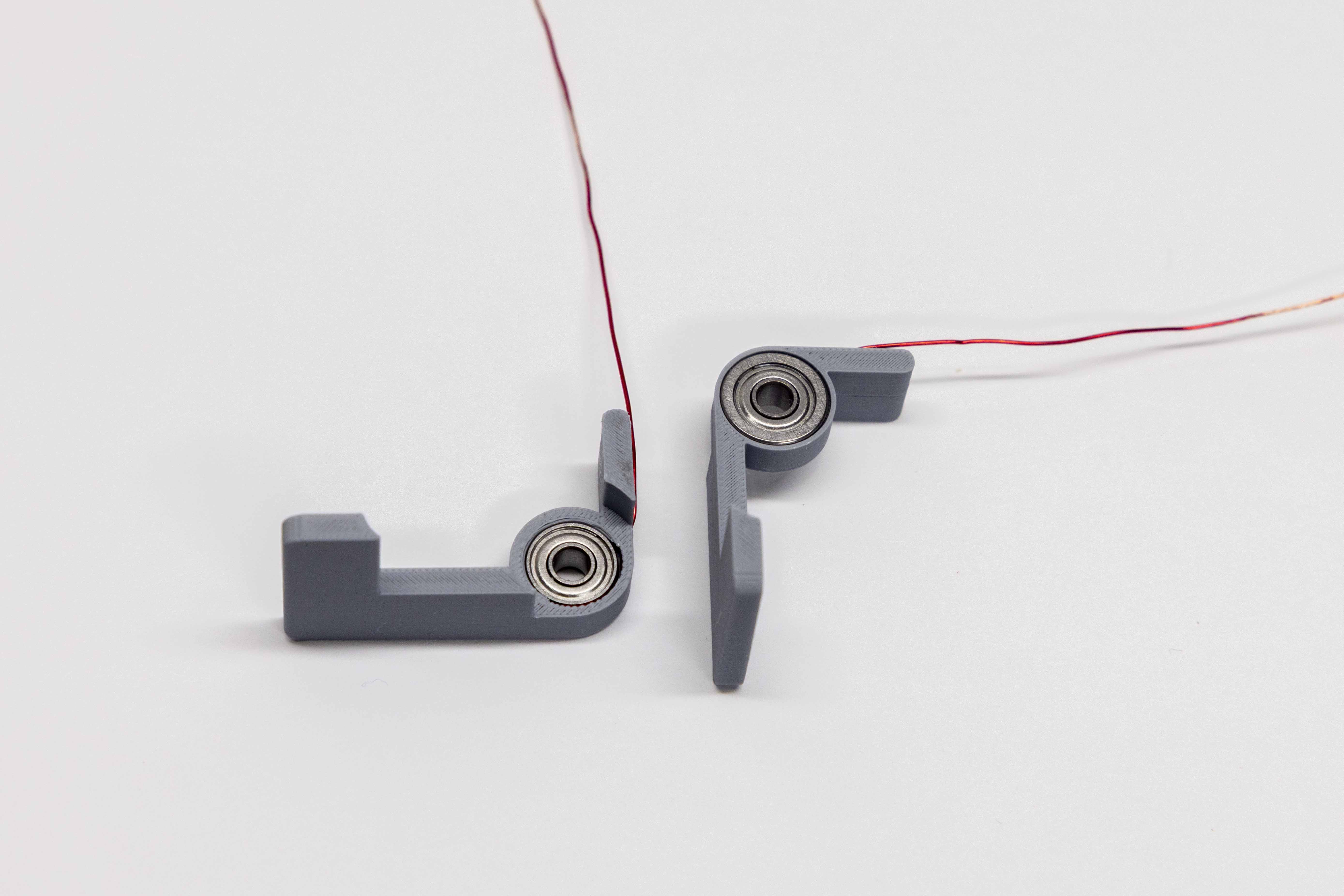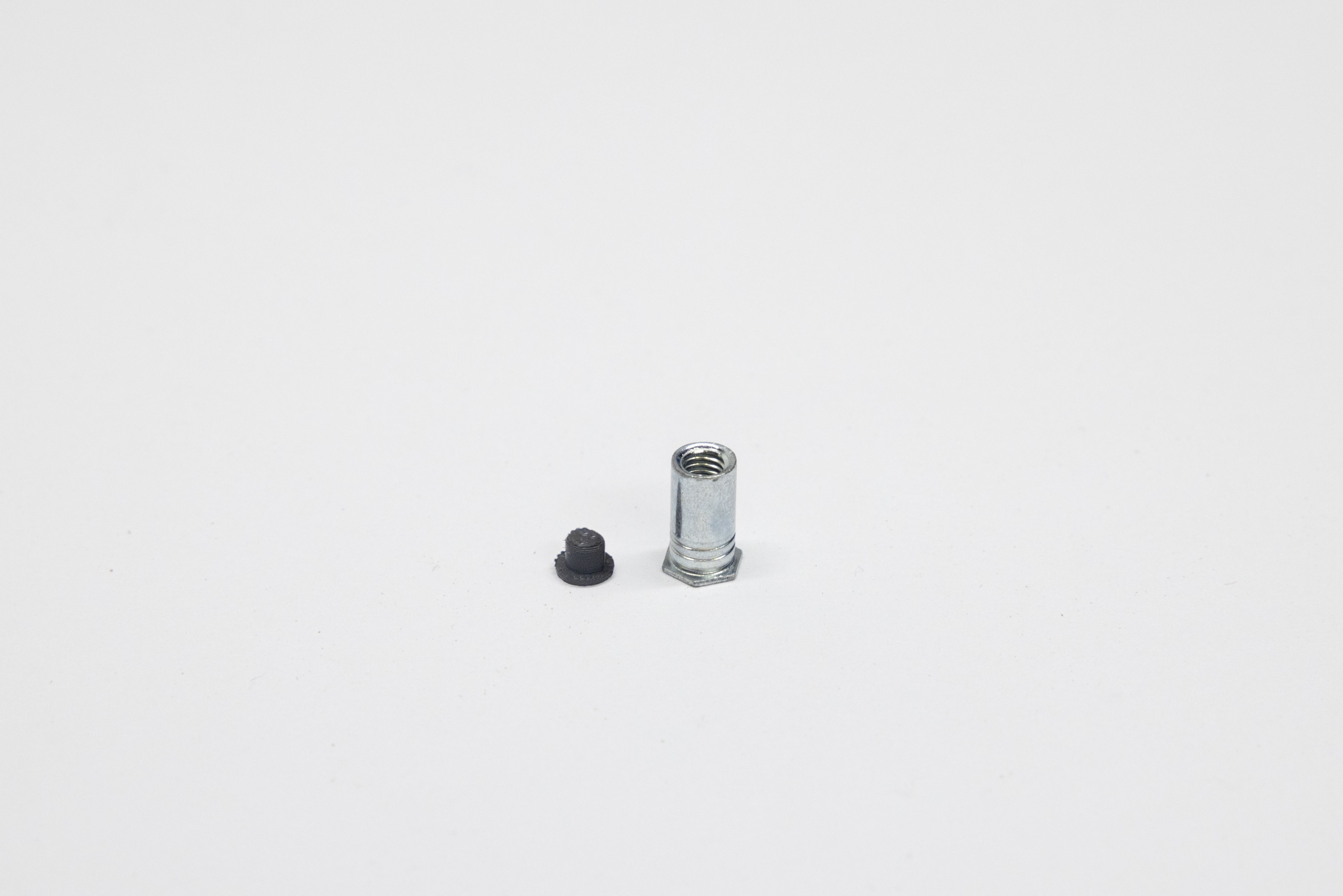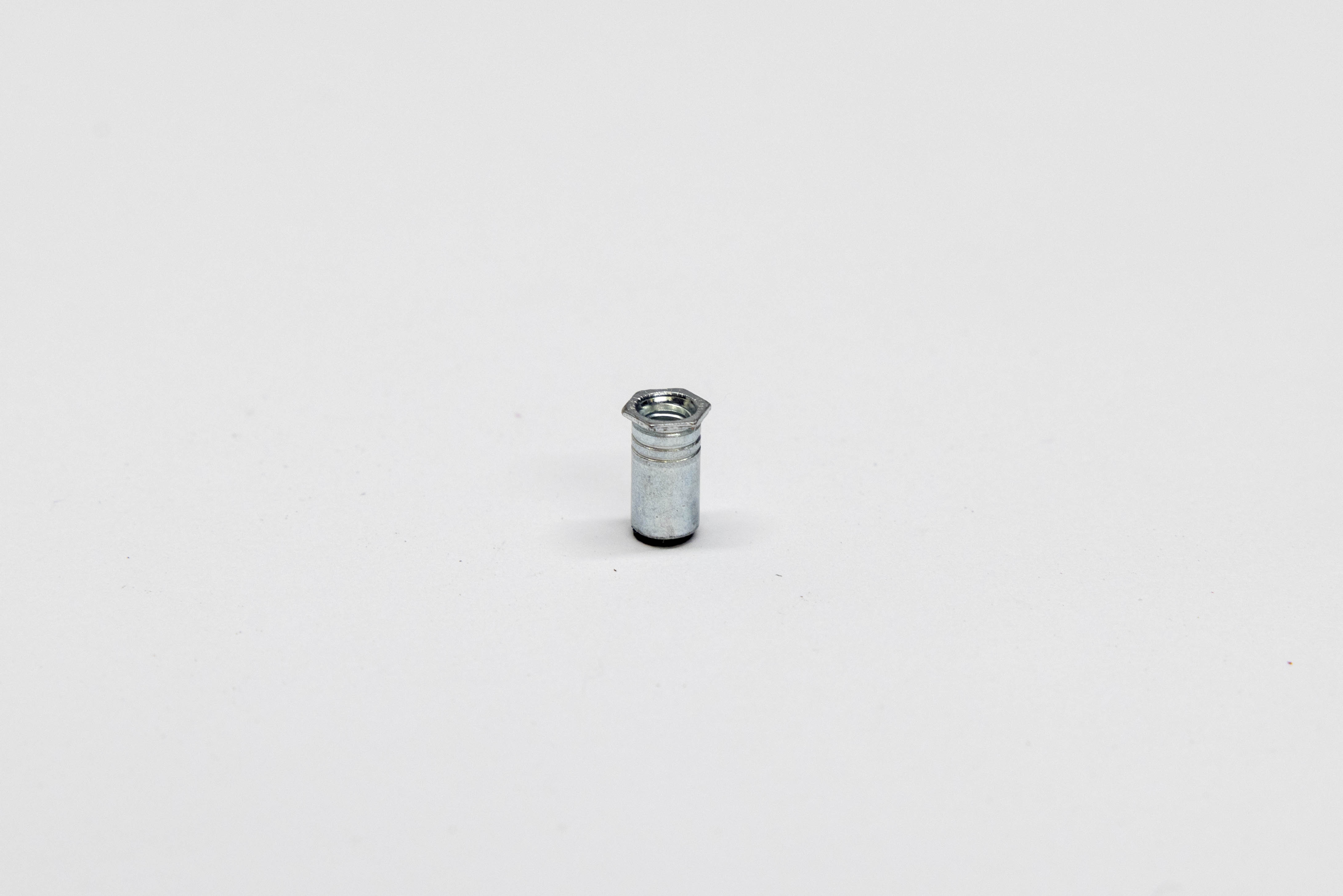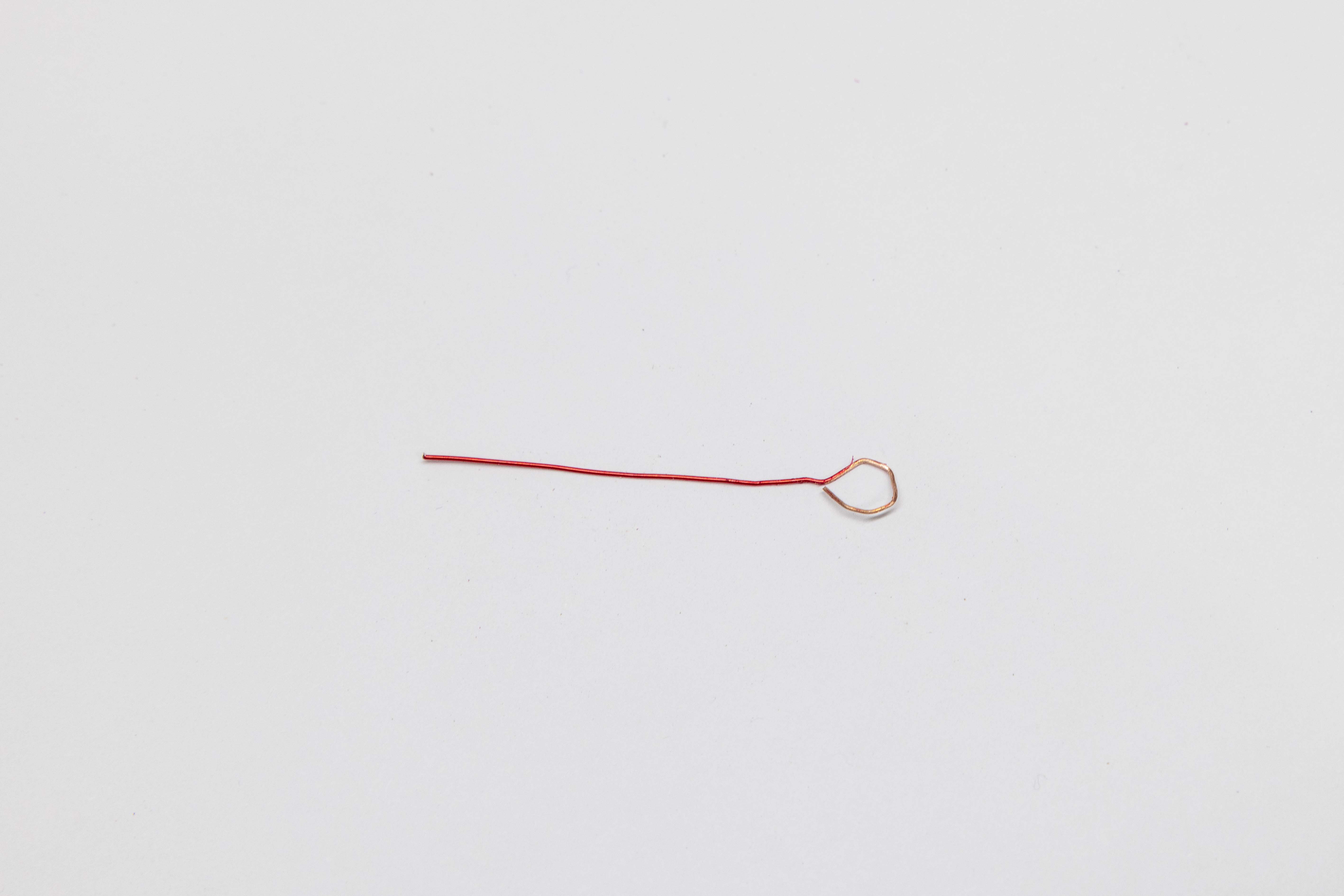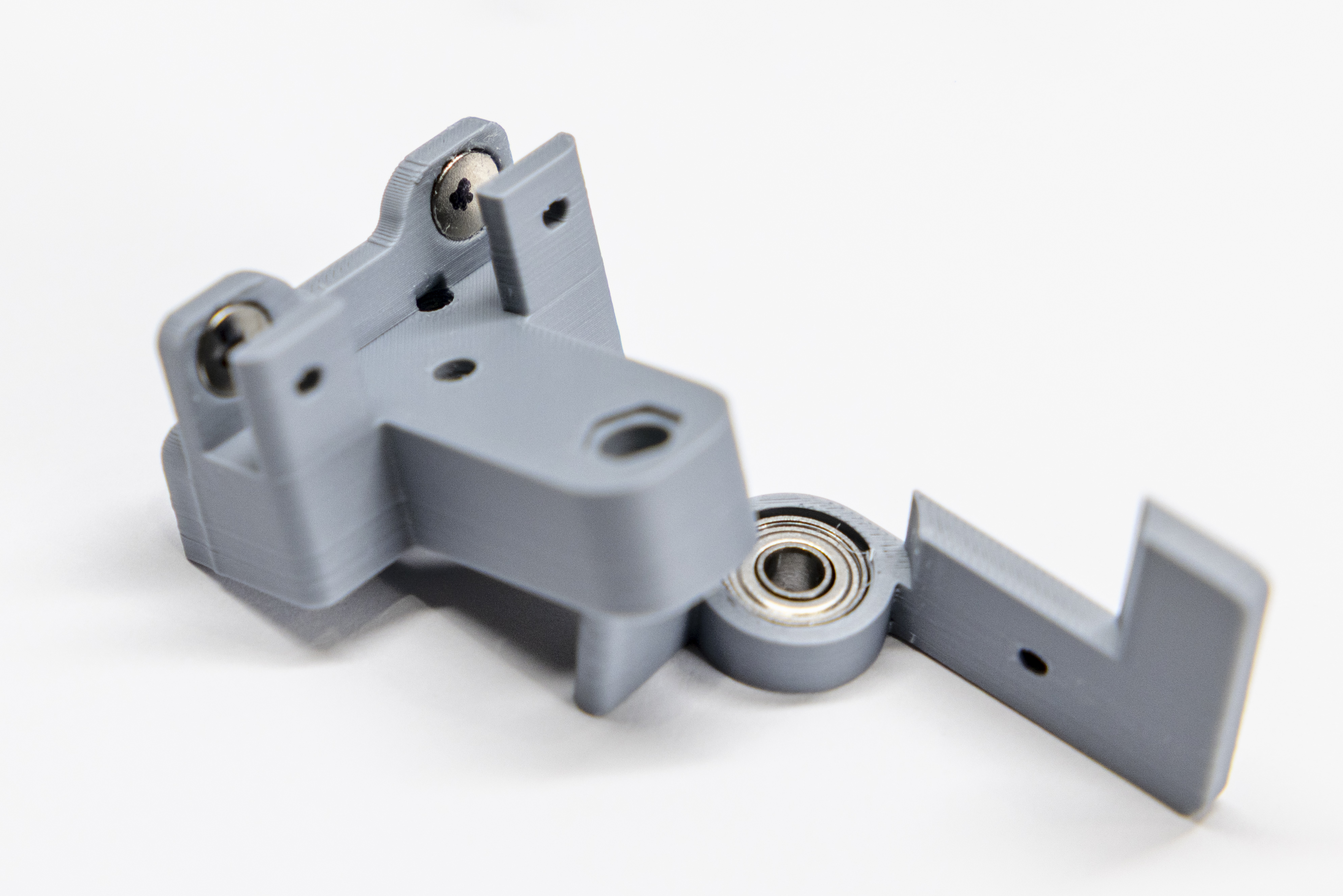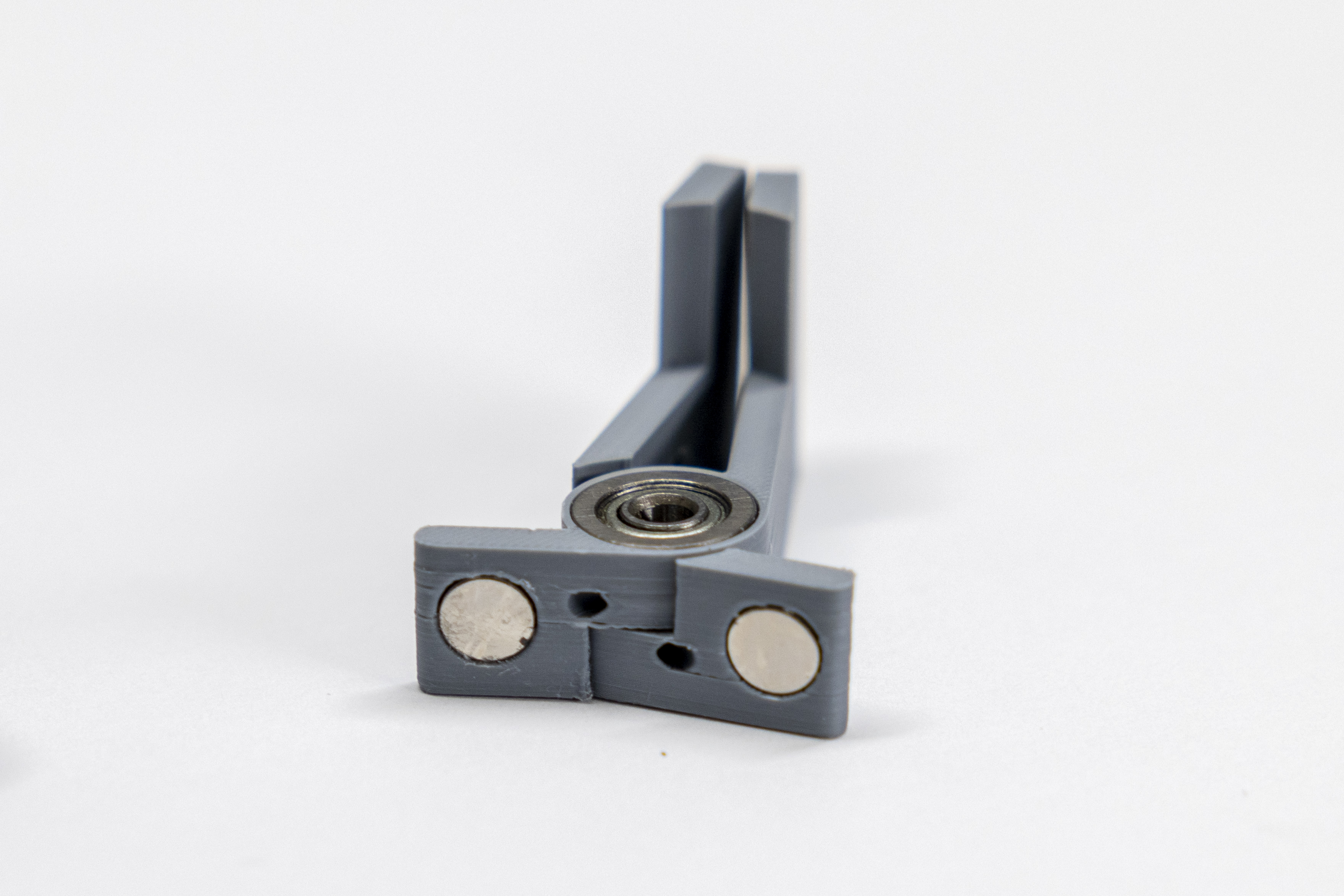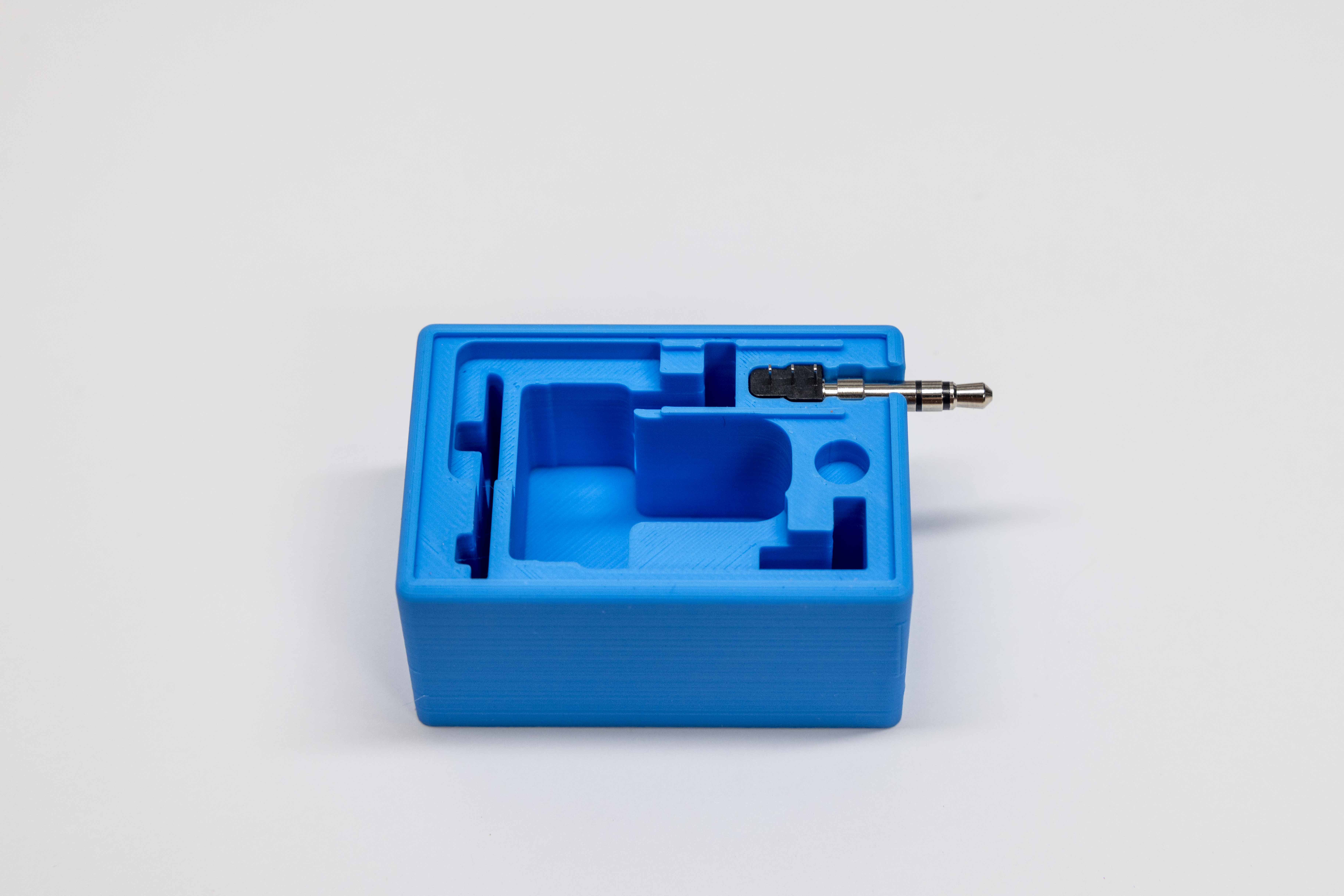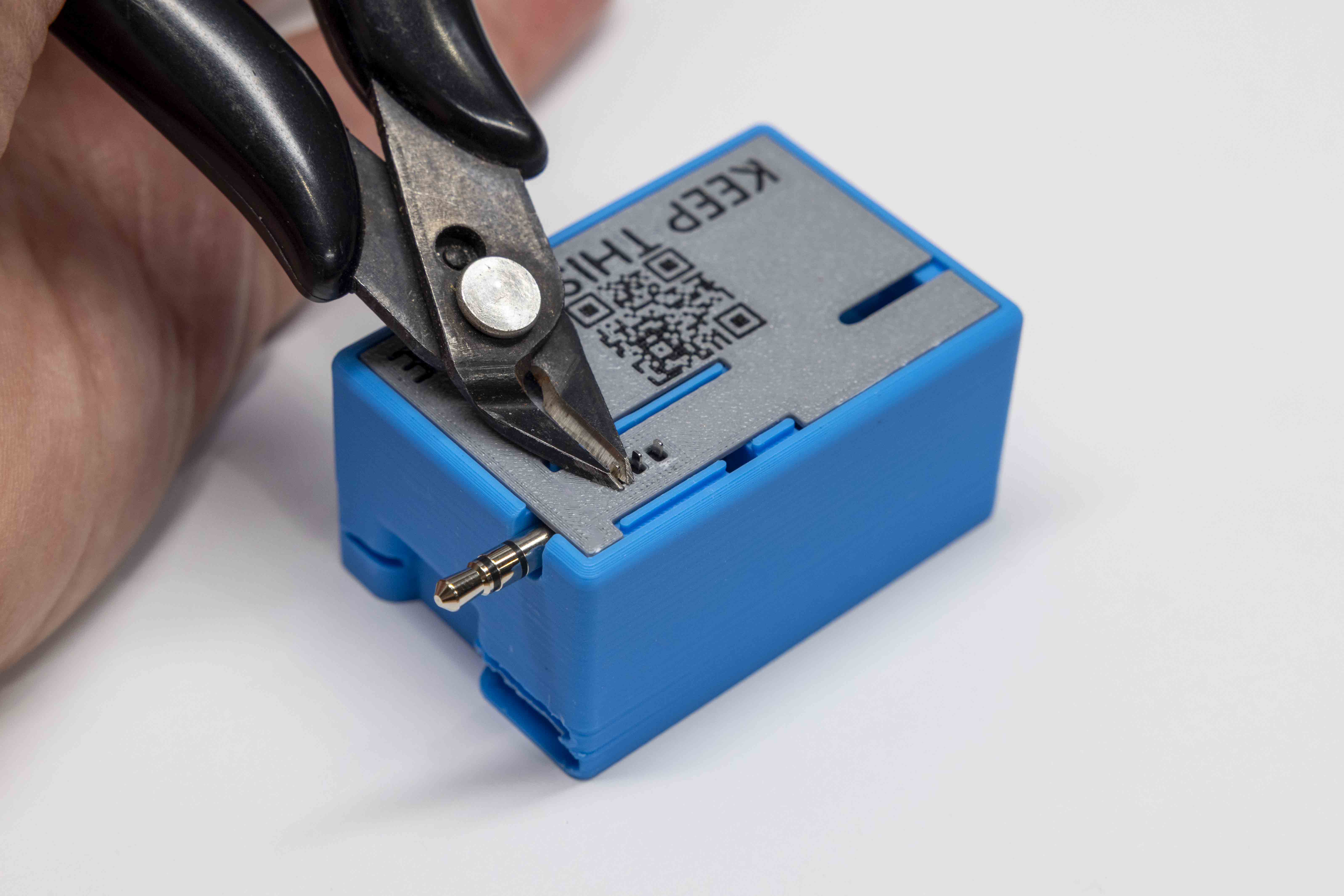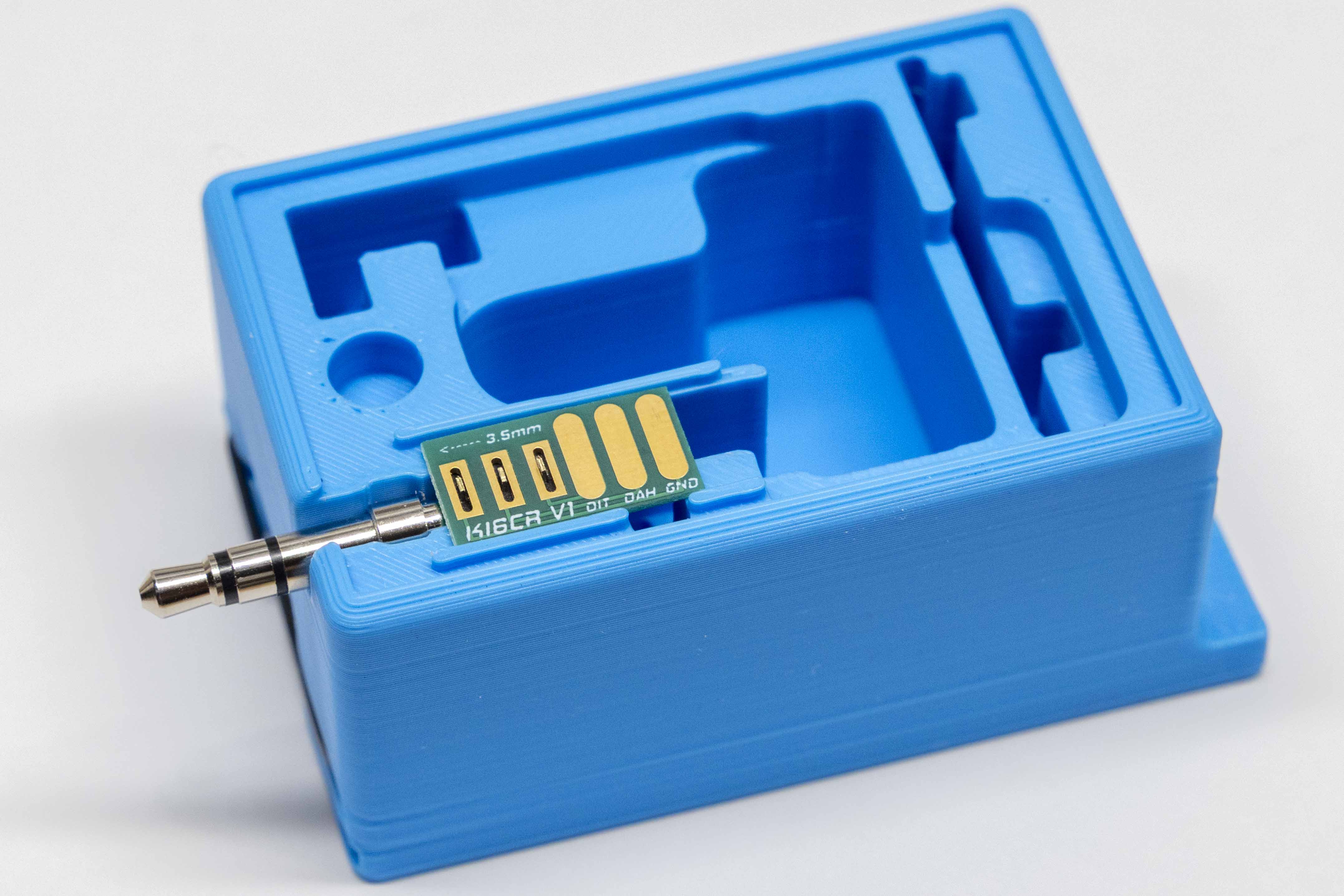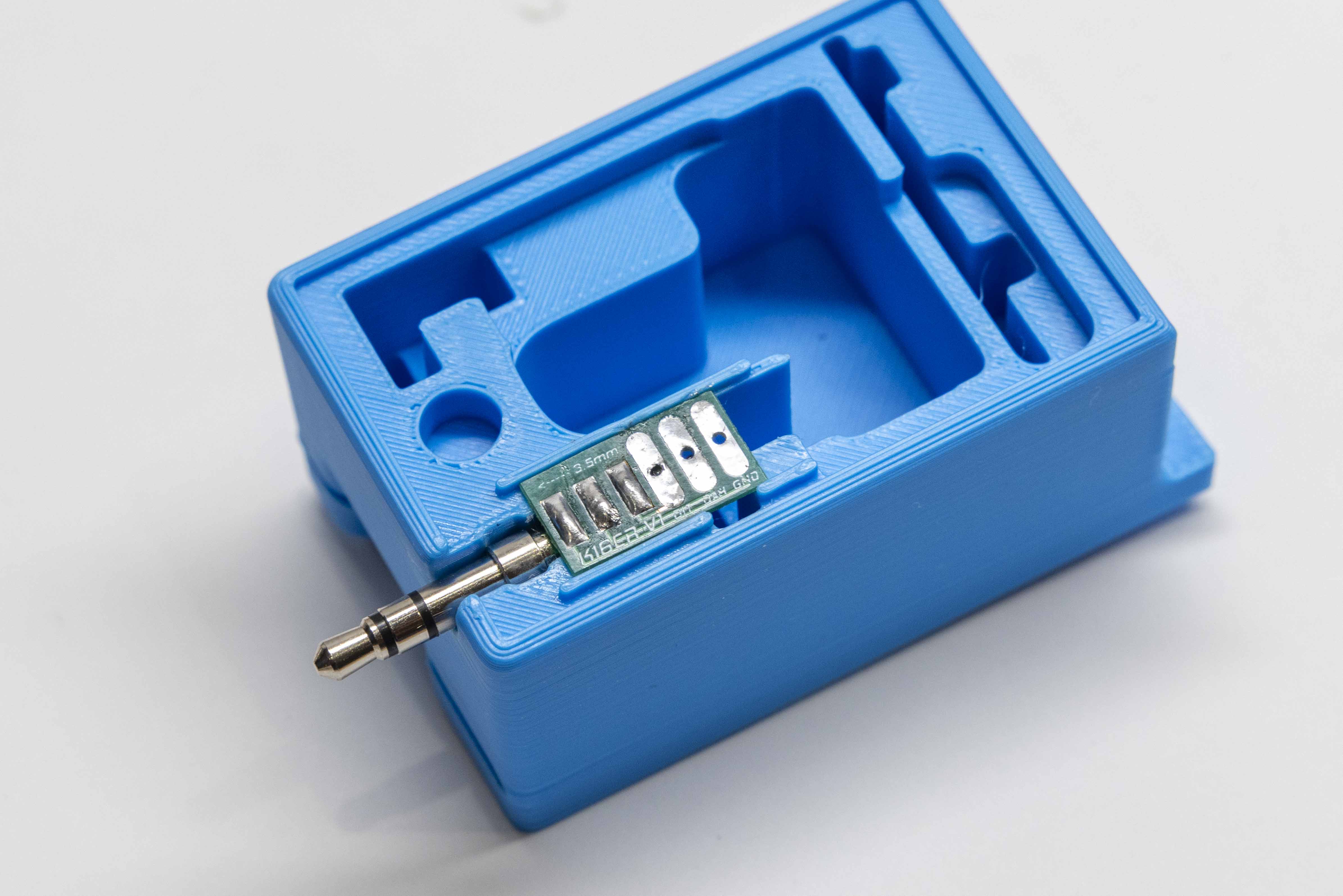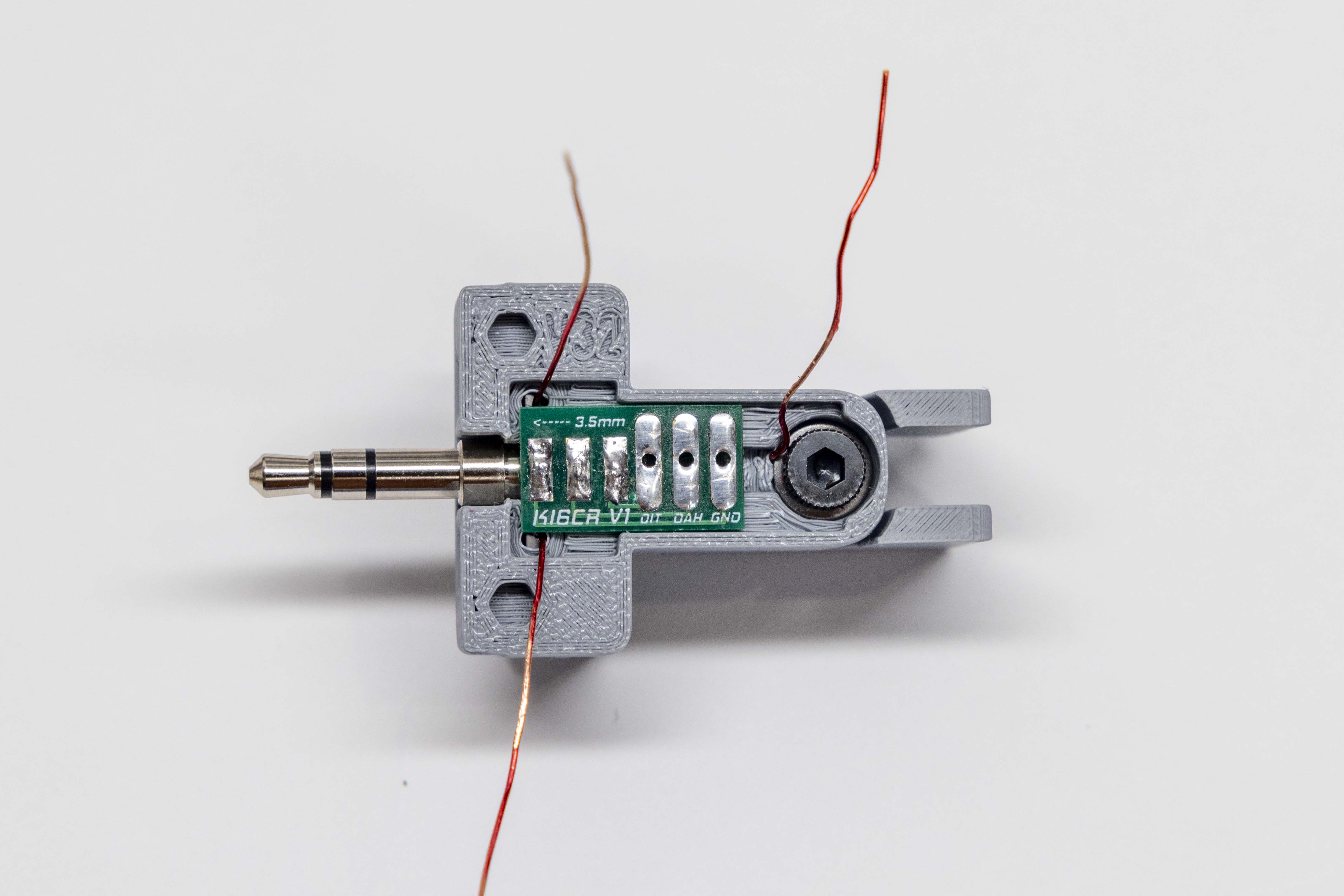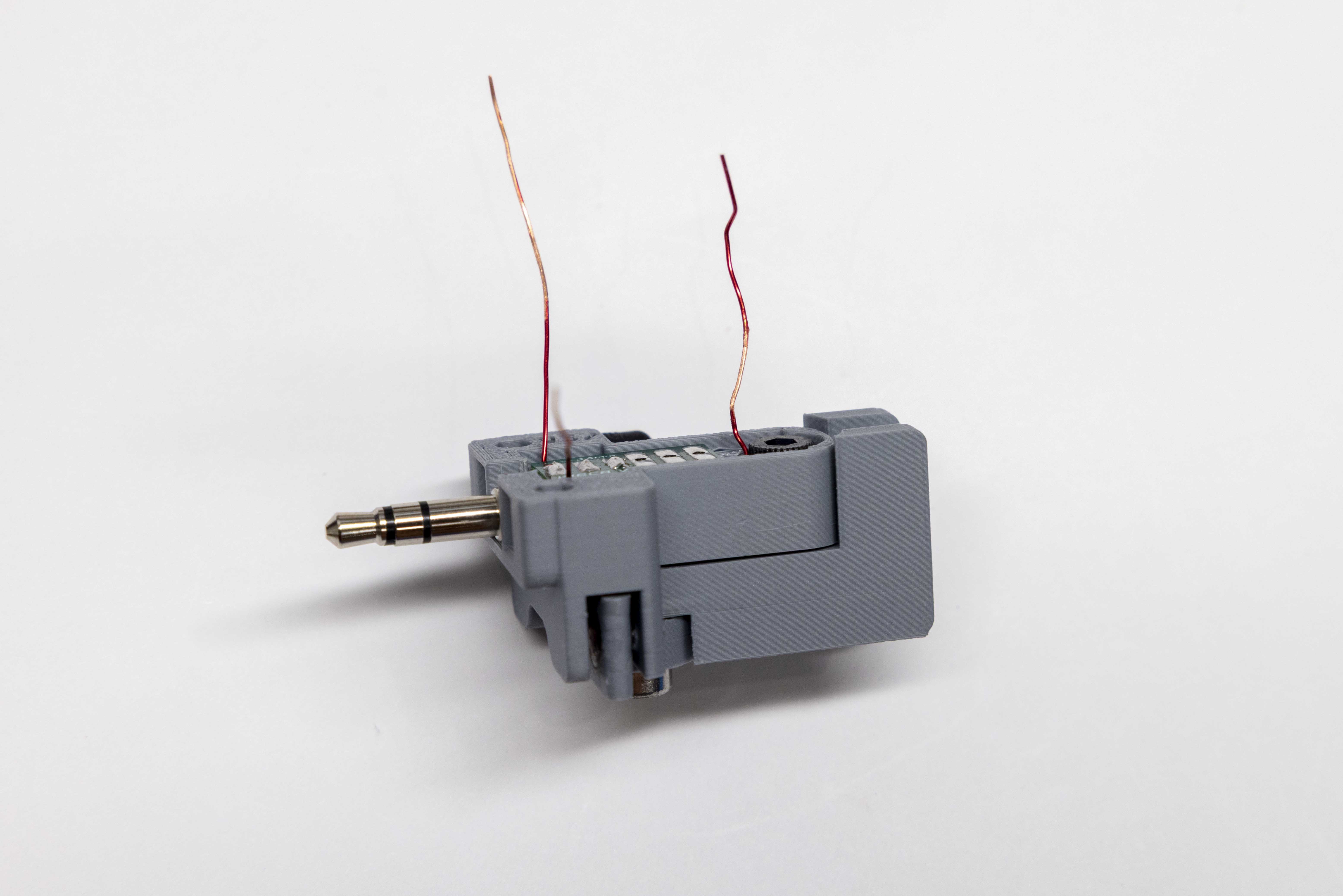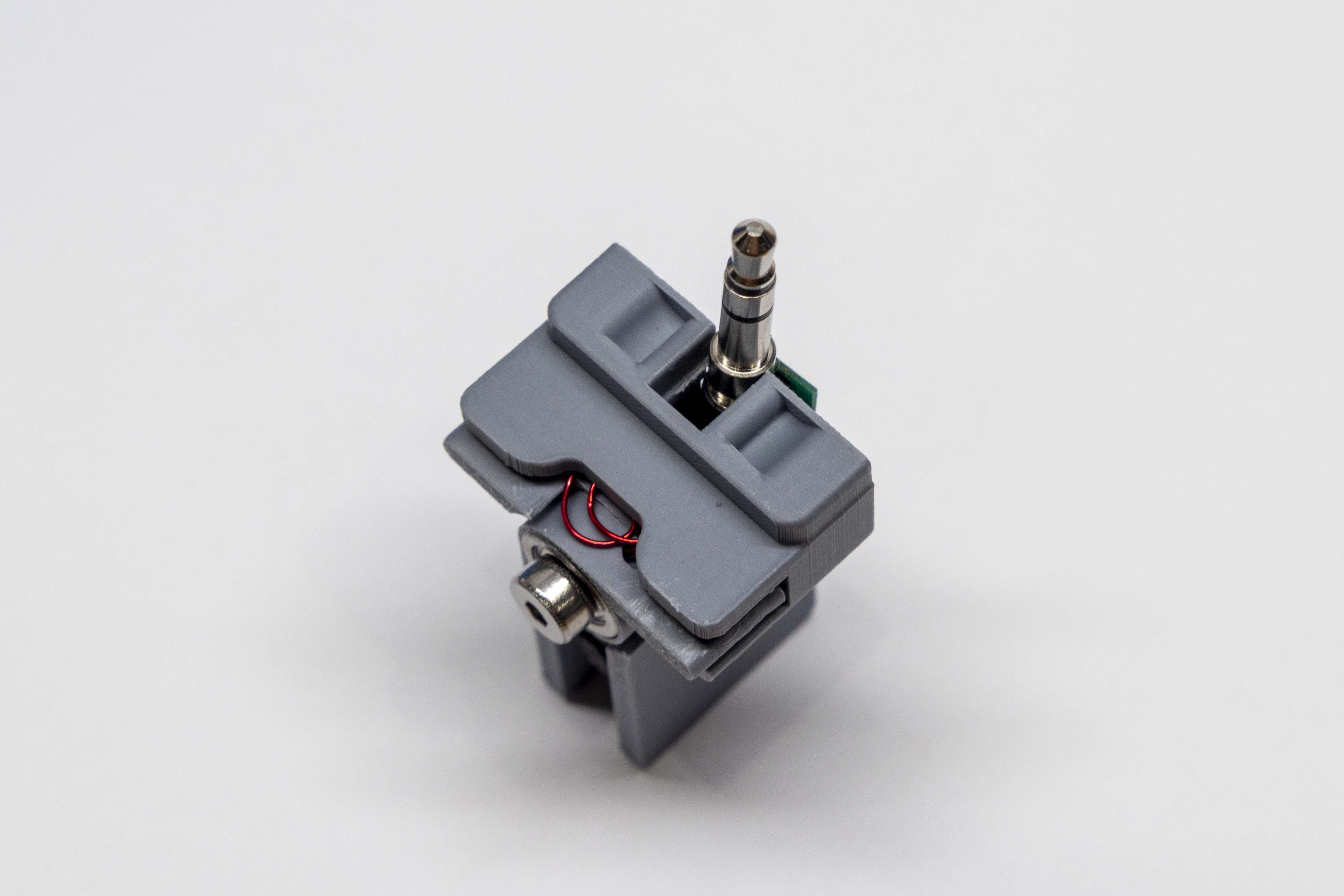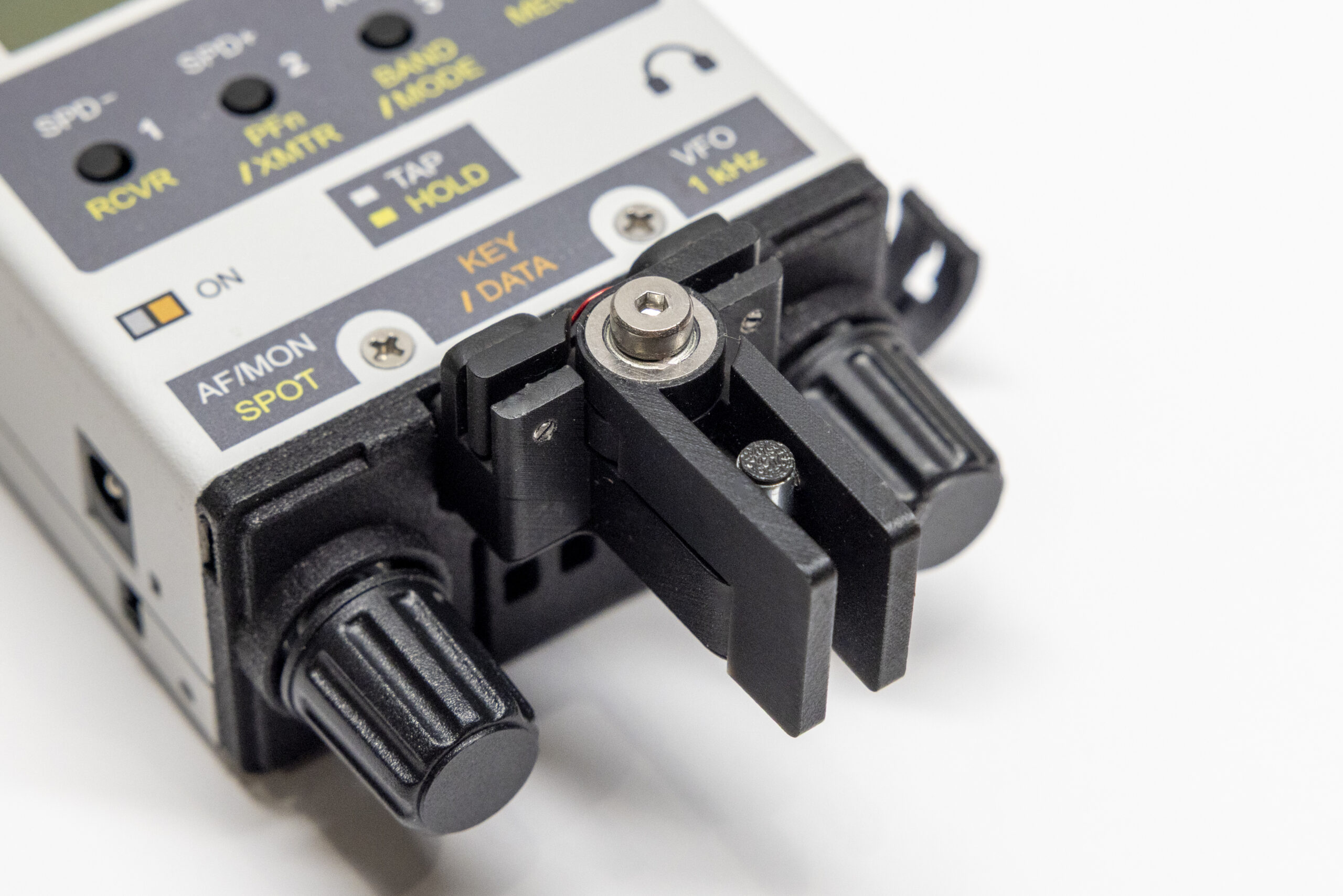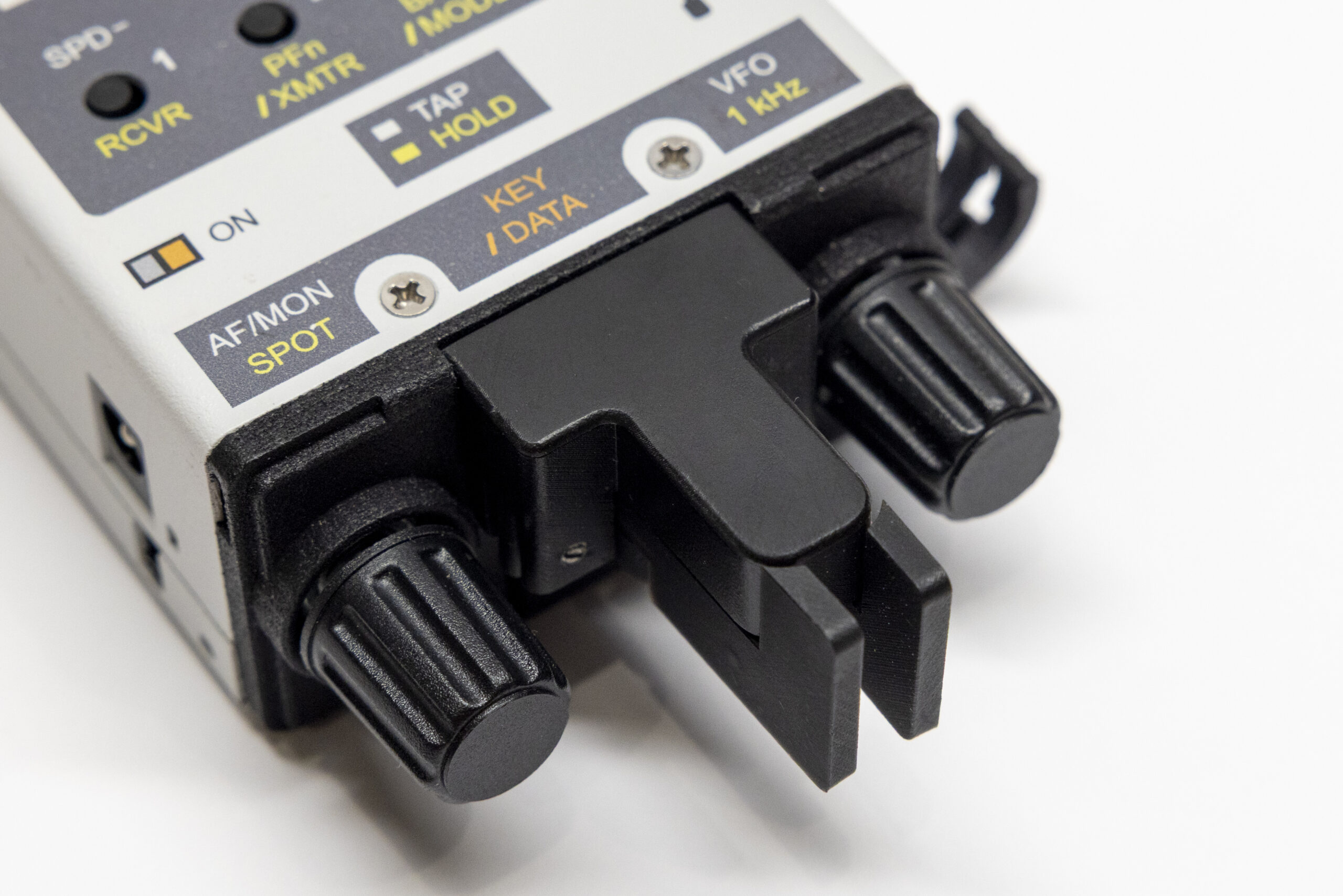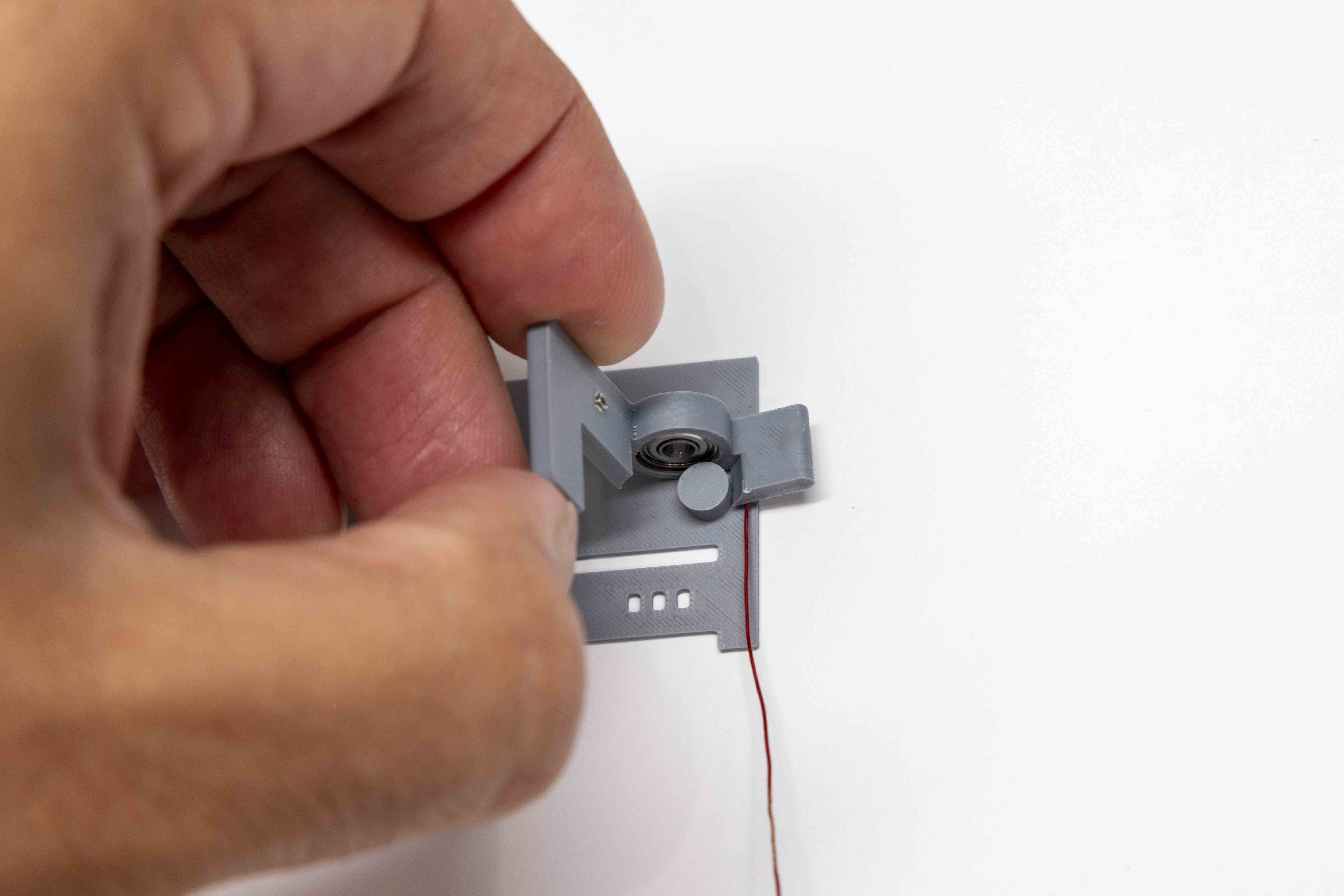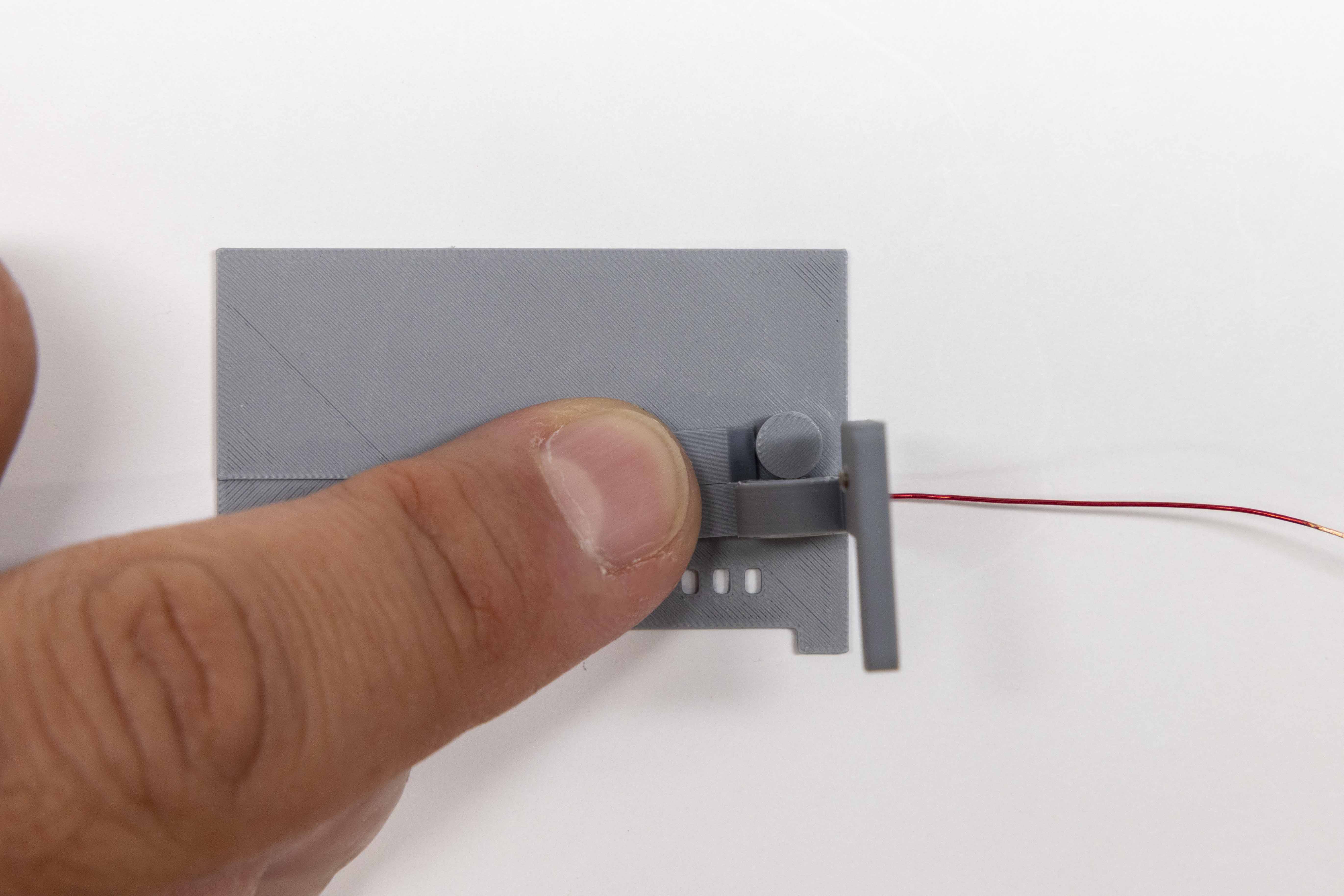
The following tools are not included in your kit. Have them on hand before starting Step 1.
| ☐ | Item | Qty |
|---|---|---|
| Chassis & Body Parts | ||
| ☐ | KH1 Key Body | 1 |
| ☐ | KH1 Paddle Arms | 2 |
| ☐ | KH1 Key Cover | 1 |
| ☐ | Travel Case | 1 |
| ☐ | Travel Case Lid | 1 |
| ☐ | M3 Standoff Cap | 2 |
| Hardware | ||
| ☐ | M3 Shoulder Bolt, 11mm OAL | 1 |
| ☐ | M2×2mm Set Screws, Stainless | 3 |
| ☐ | M2×3mm Set Screws, Brass | 3 |
| ☐ | M2×3mm Set Screws, Stainless Slotted | 3 |
| ☐ | M3×10mm Socket Head Screw | 1 |
| ☐ | M3×8mm Round Standoff, Stainless | 1 |
| ☐ | Stainless Spacers / Shims (0.008 inches / 0.2mm) | 6 |
| Electronics | ||
| ☐ | 3.5mm TRS Jack (through-hole) | 1 |
| ☐ | PCB Breakout Board | 1 |
| ☐ | 28ga Magnet Wire, ~10 inches (25cm) | 1 |
| Bearings & Magnets | ||
| ☐ | F693ZZ Flanged Bearings | 2 |
| ☐ | 5×2mm Neodymium Magnets | 3 |
| ☐ | 5×1mm Neodymium Magnets | 3 |
| Supplies & Included Tools | ||
| ☐ | 0.9mm Hex Tool | 1 |
| ☐ | 2.0mm Hex Tool | 1 |
| ☐ | 2.5mm Hex Tool | 1 |
| ☐ | Sandpaper Square, 200 grit | 1 |
| ☐ | Super Glue, 3g tube | 1 |
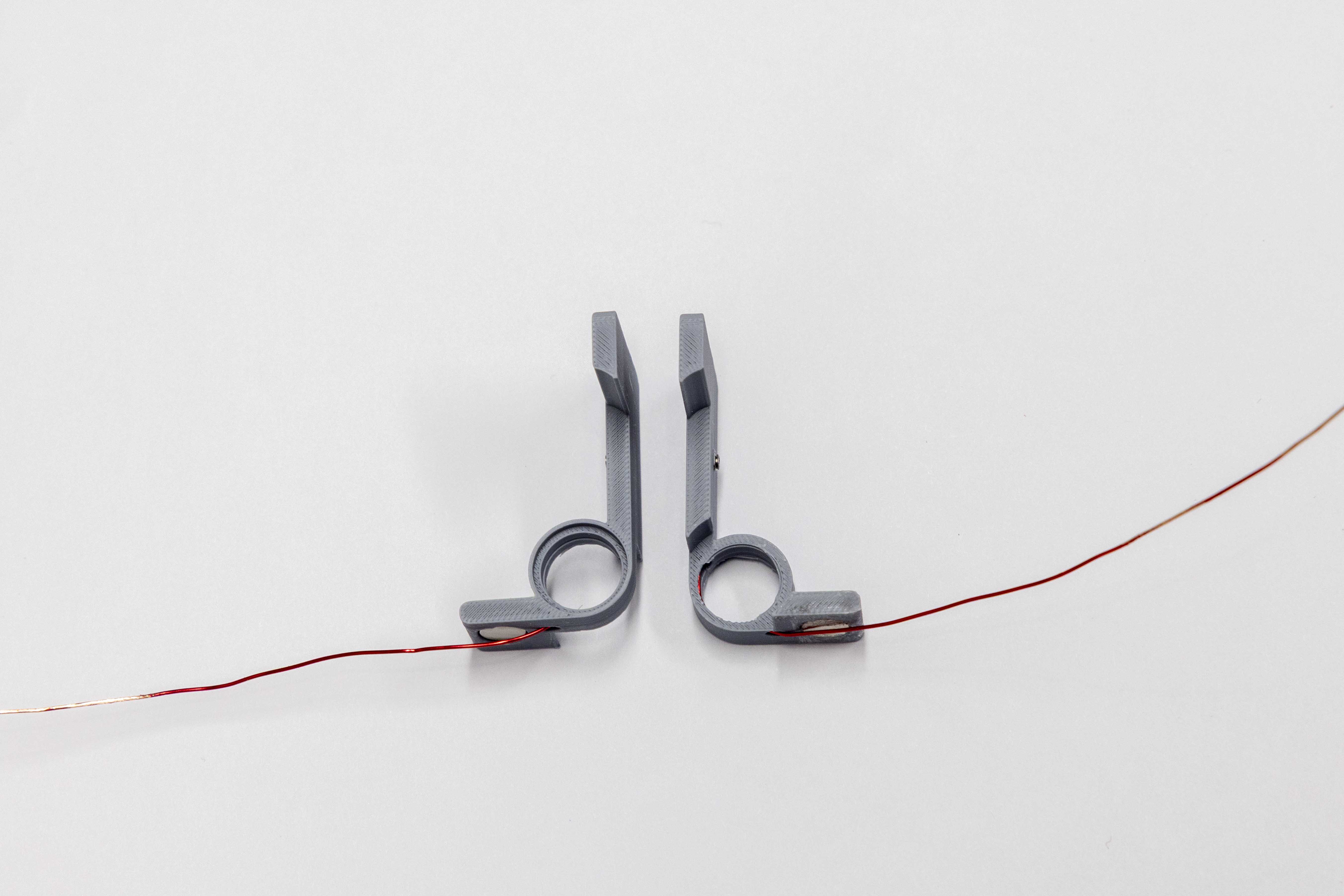
Perform the following steps for both paddles.
Set both paddles aside. The adhesive needs a full 15 minutes to cure before the key can be assembled.
The CW key's return action is driven entirely by magnetic repulsion — each paddle magnet is paired with a body magnet of opposing polarity, pushing the paddle back to center after each press.
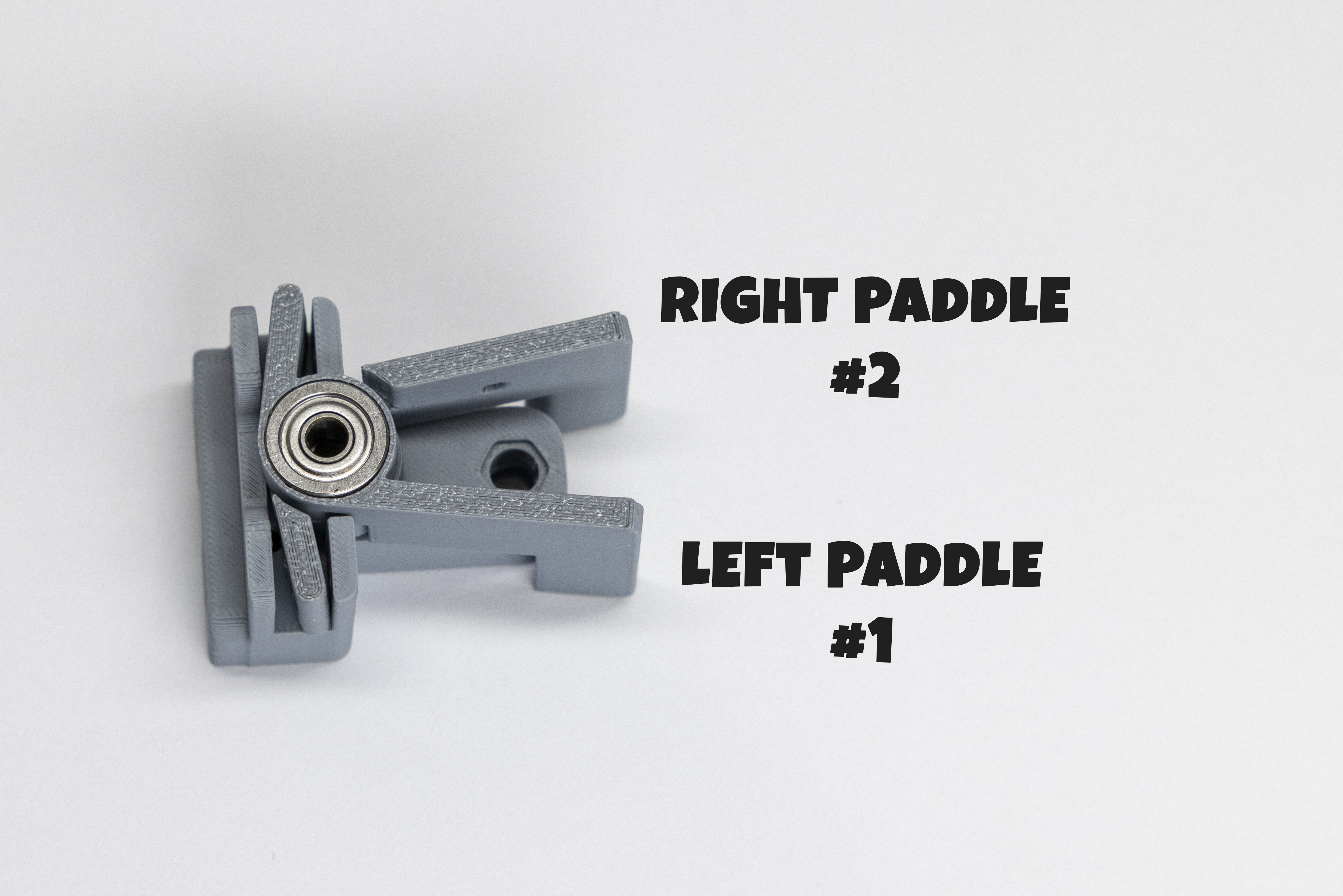
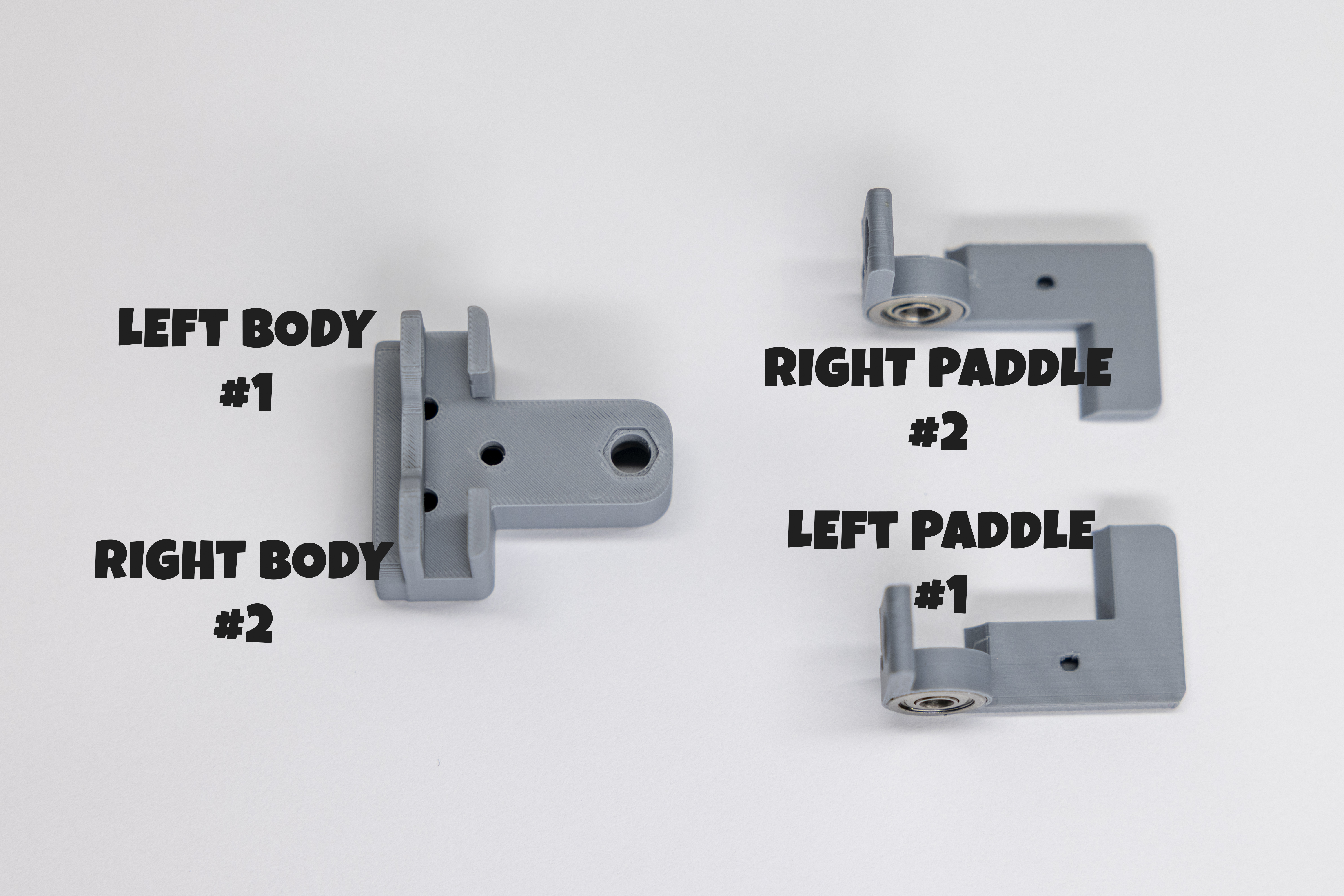
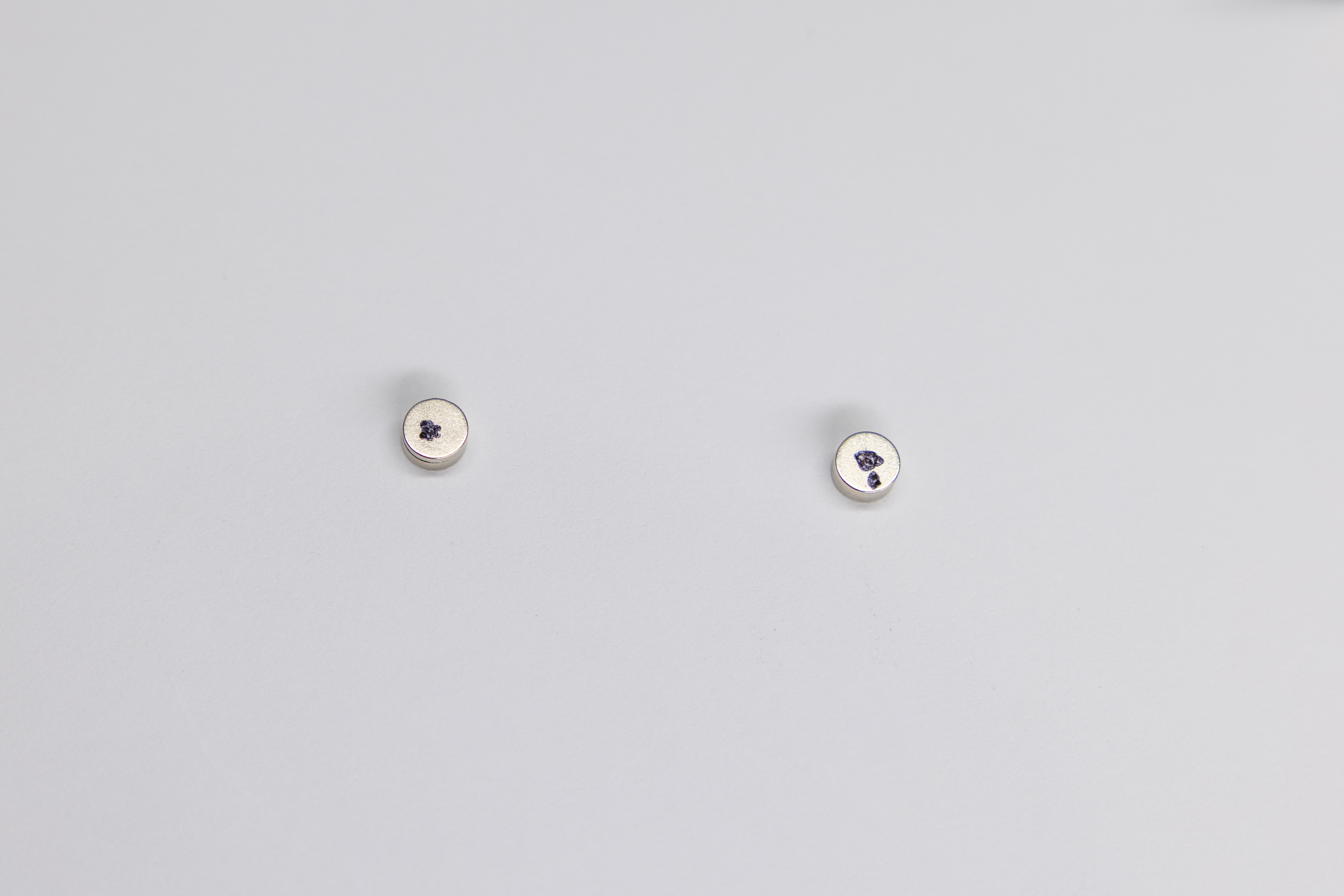
Part 1 — Identify Left and Right
Part 2 — Left Paddle (Paddle #1, one dot)
Part 3 — Right Paddle (Paddle #2, two dots)
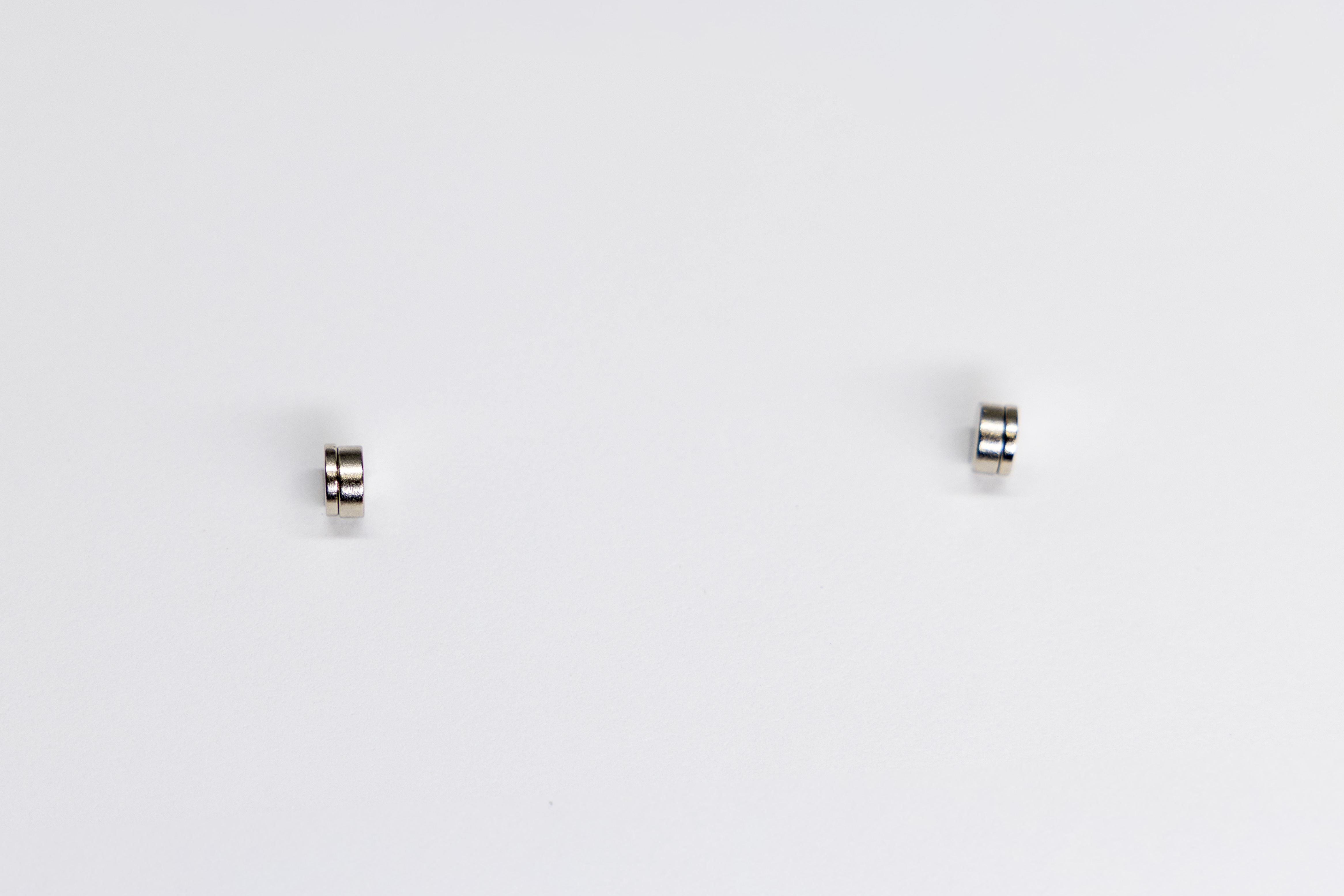
Set both paddles and the key body aside. The adhesive on the body magnets needs a full 15 minutes to cure before assembly can continue.
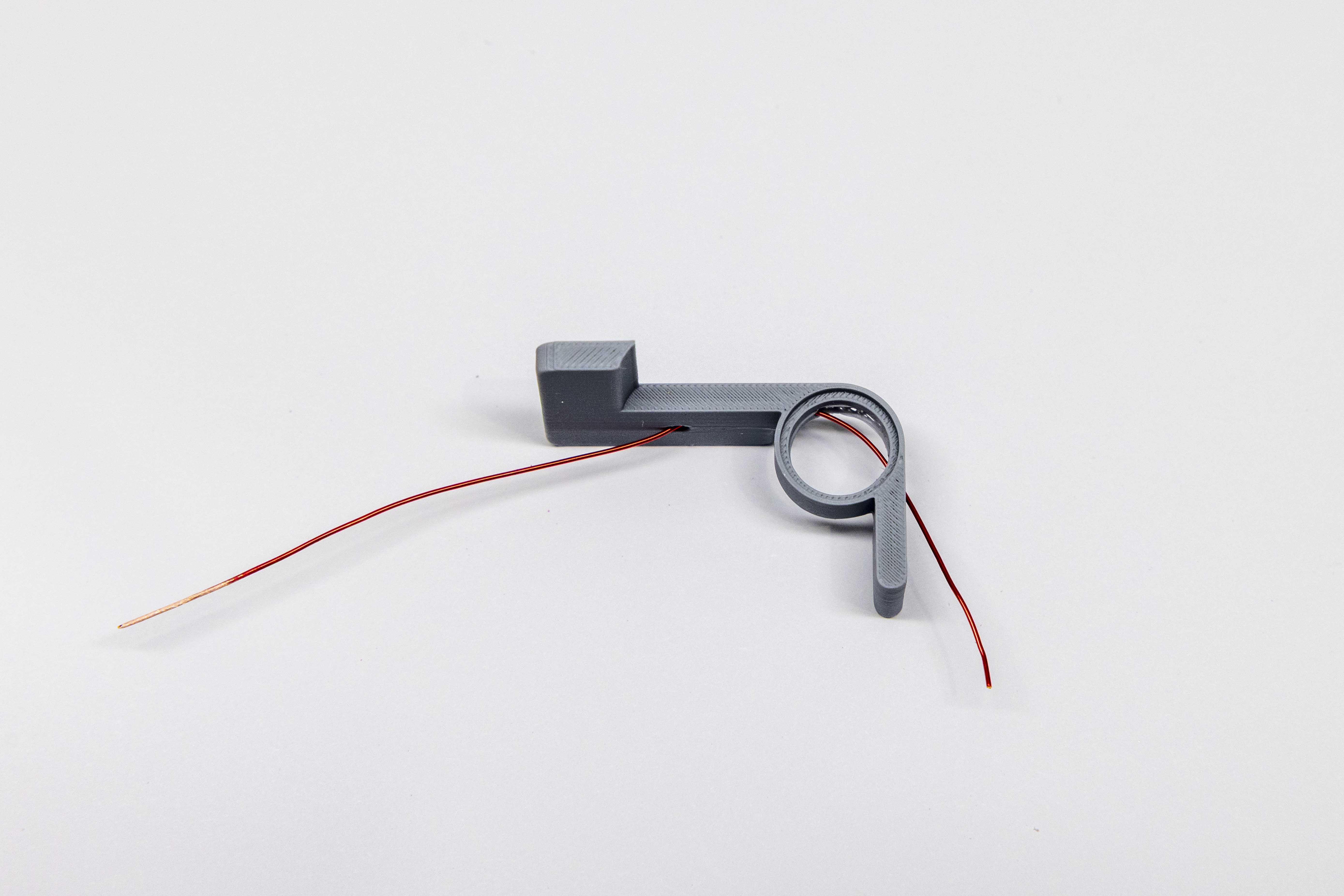
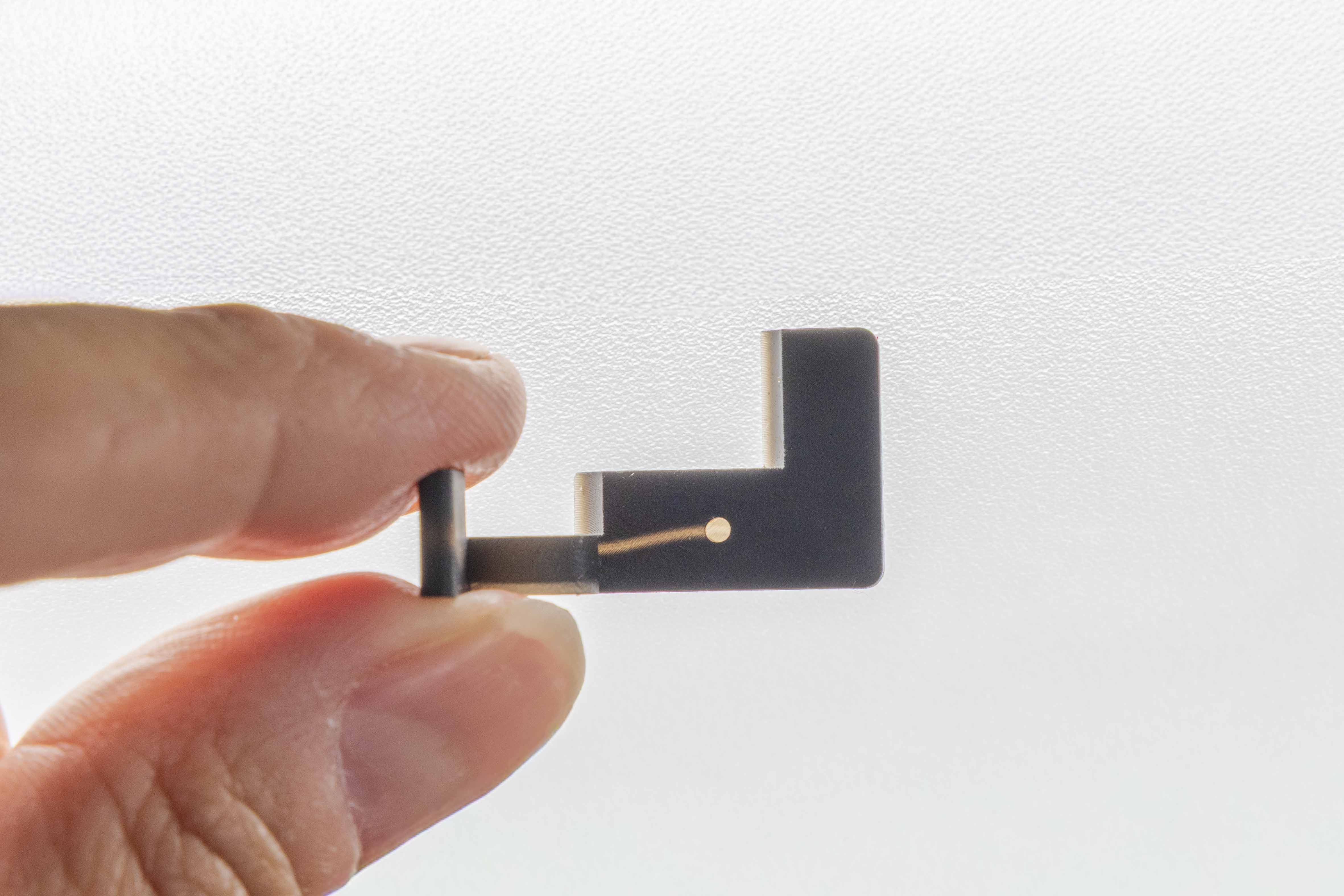
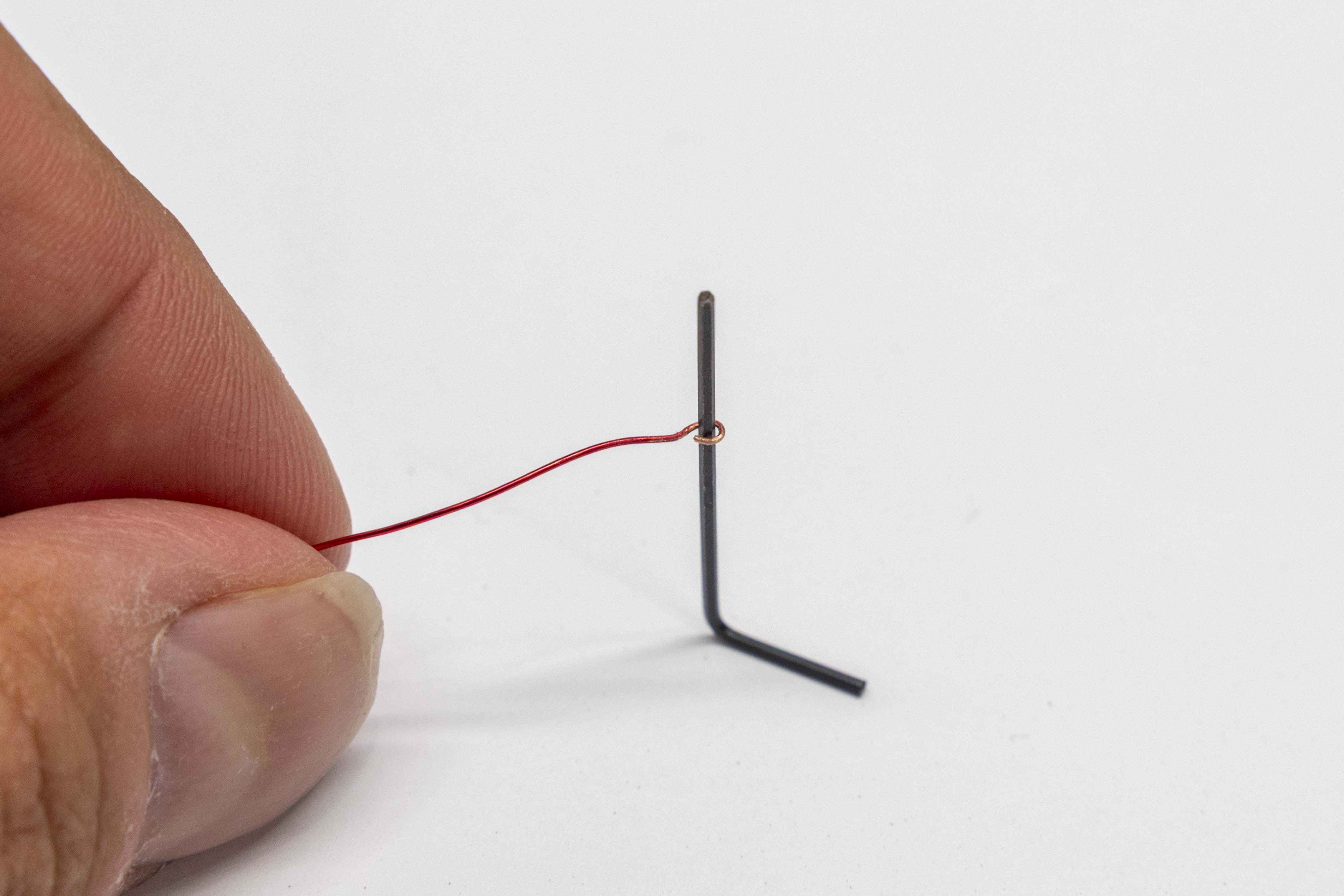
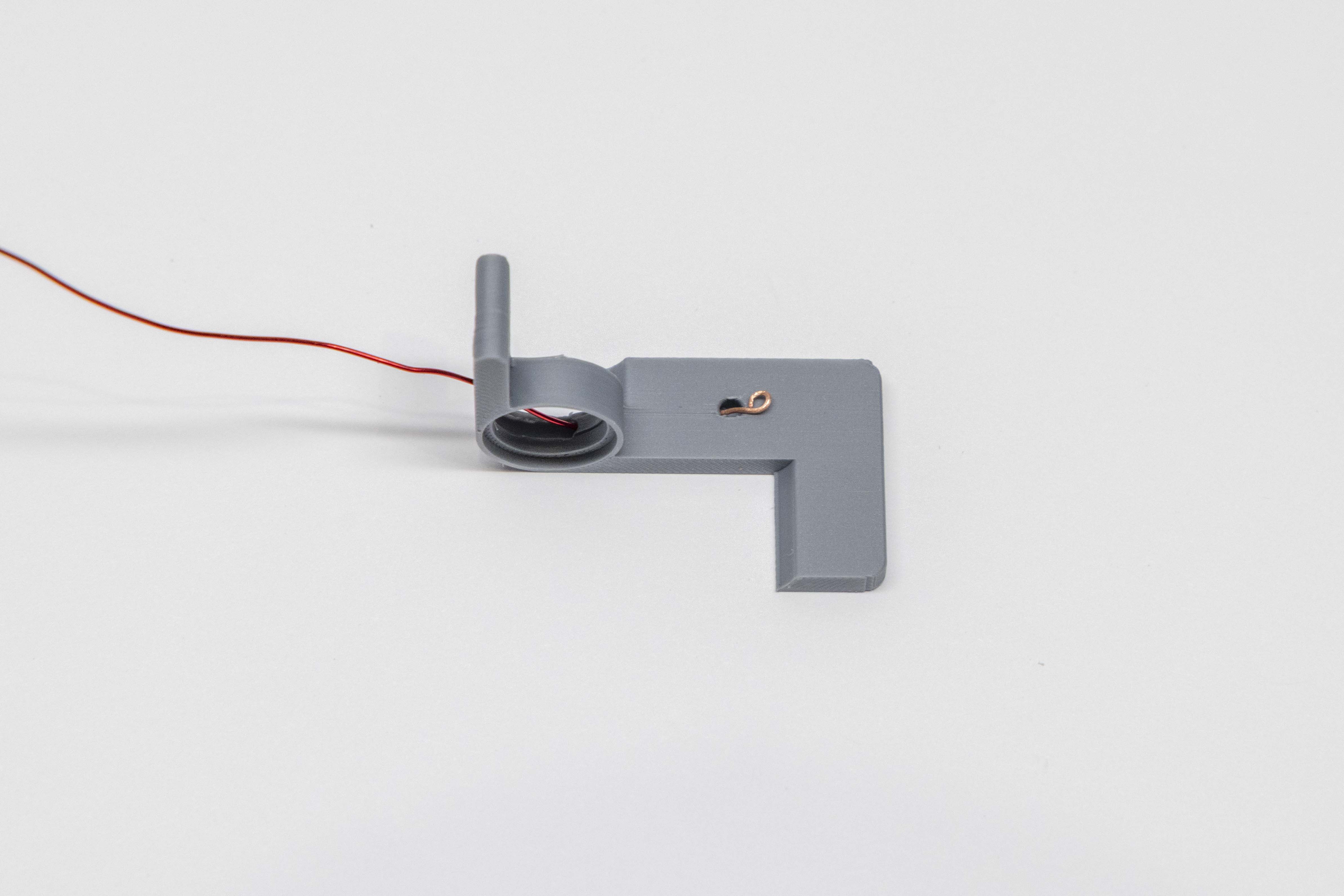
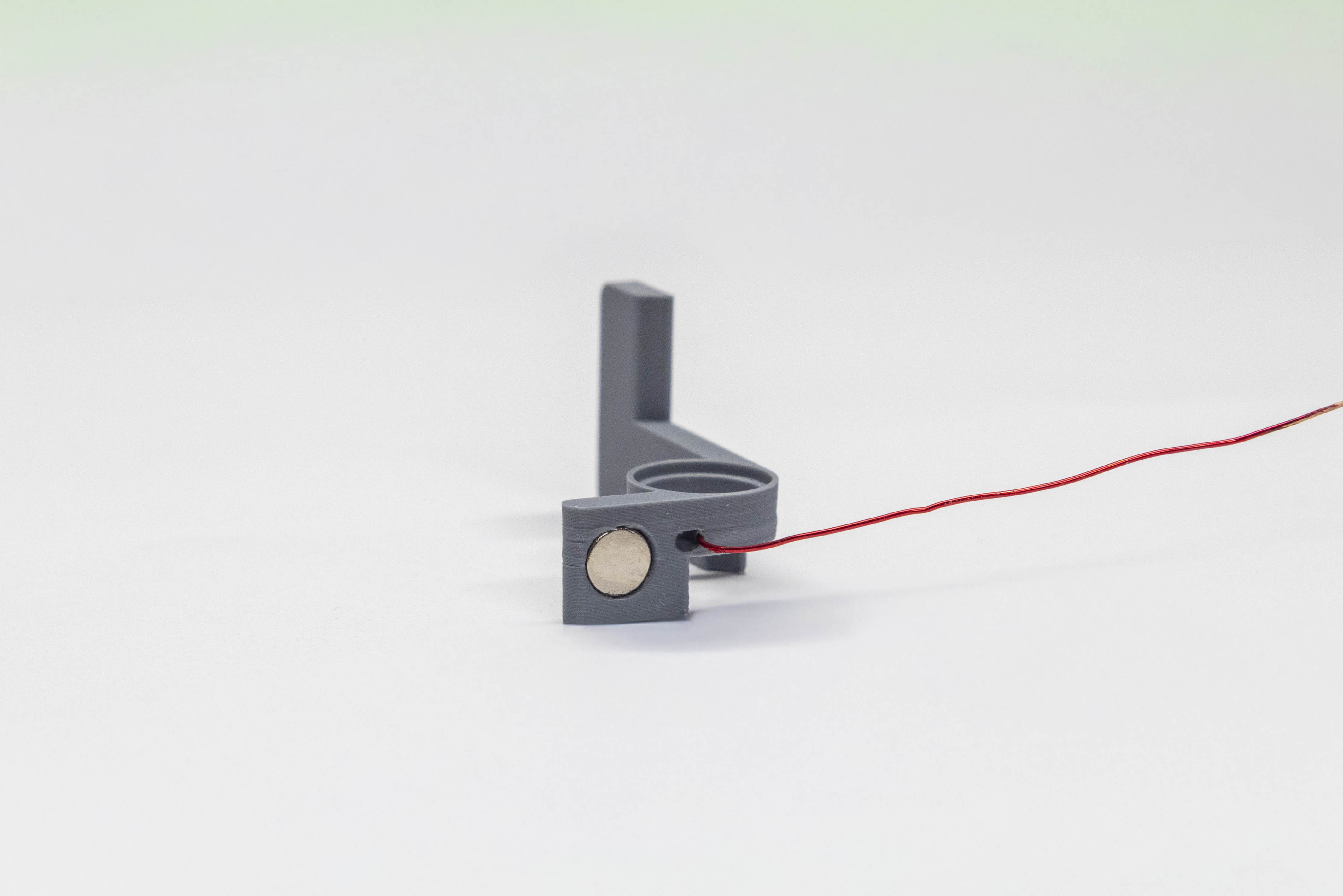
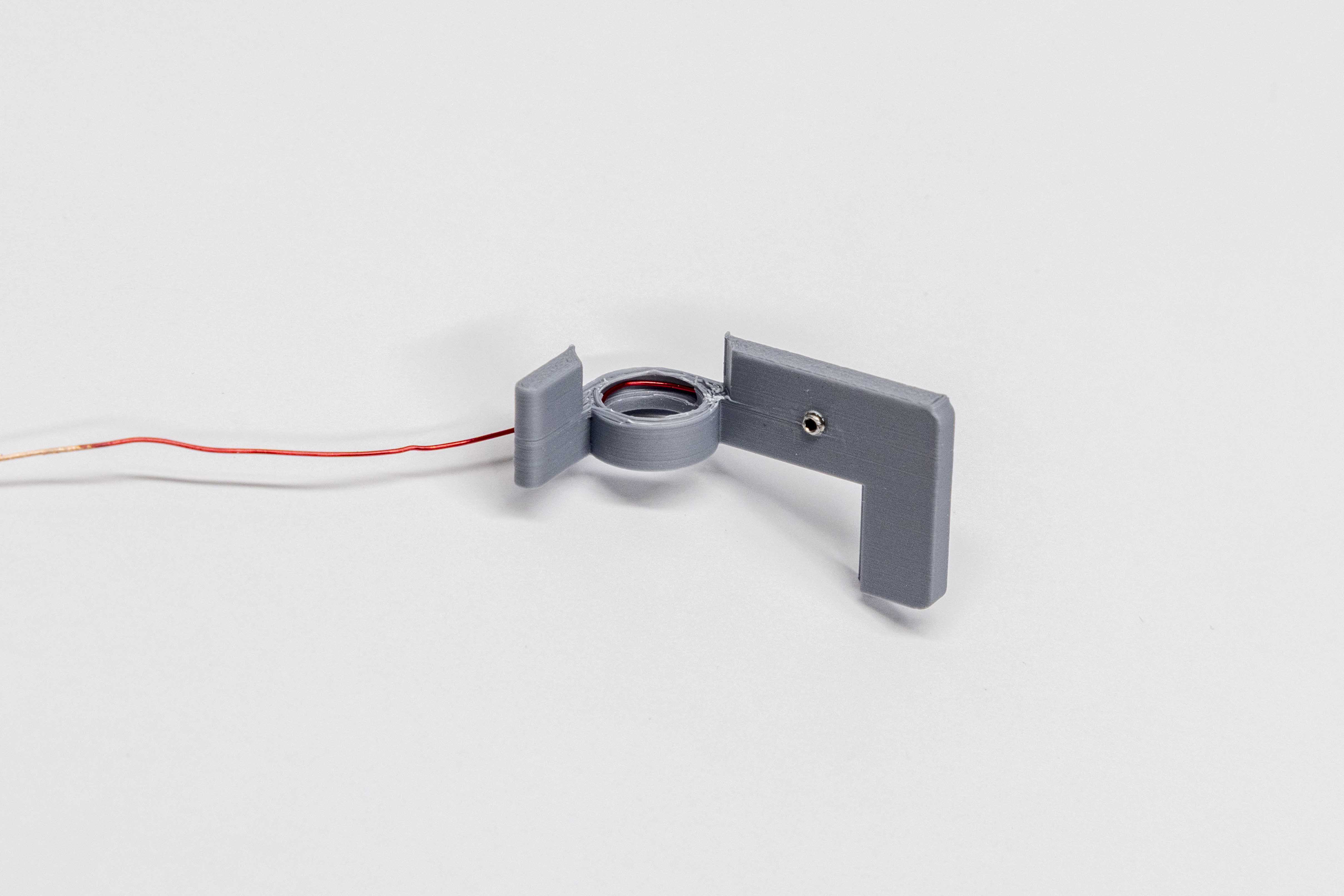
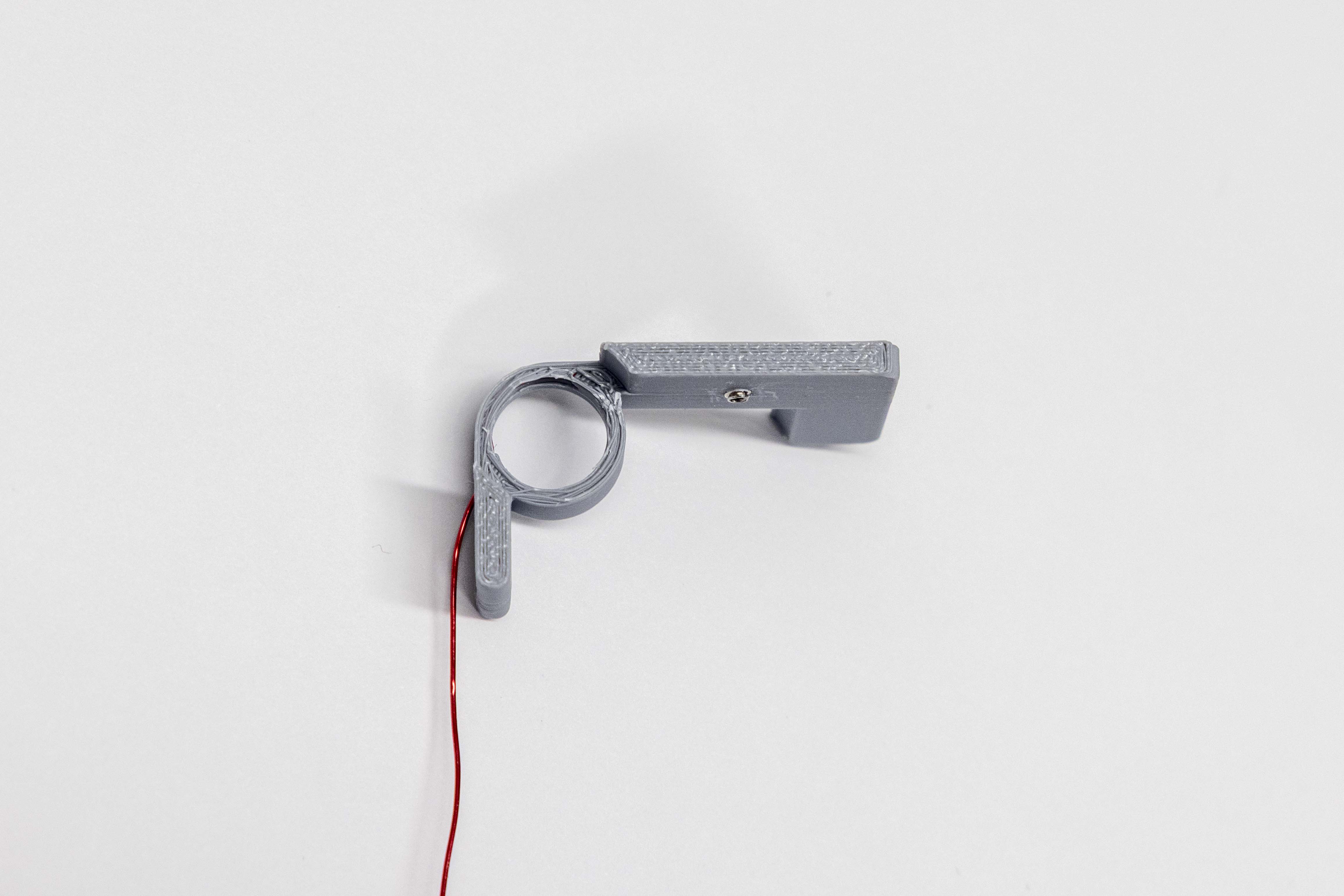
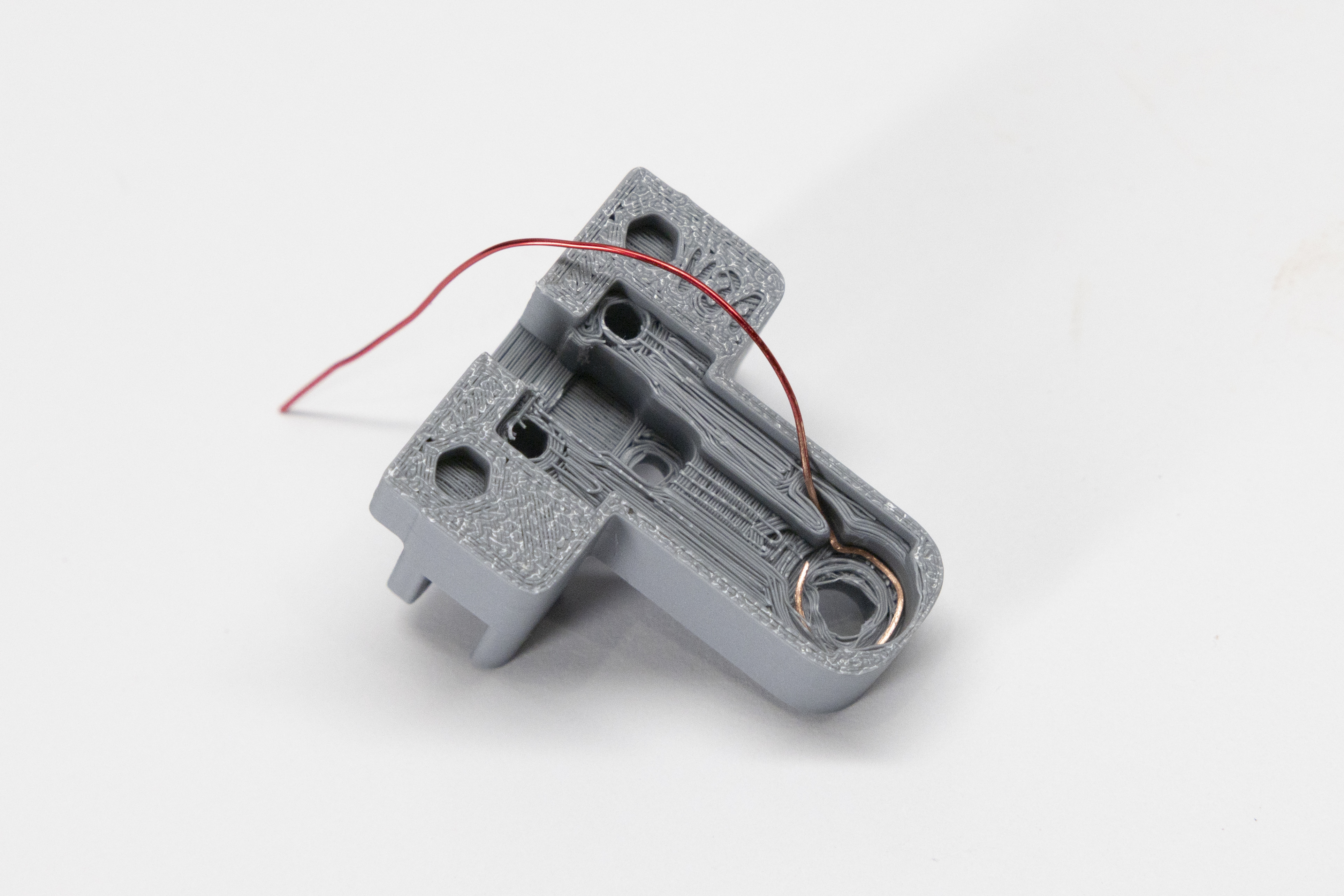
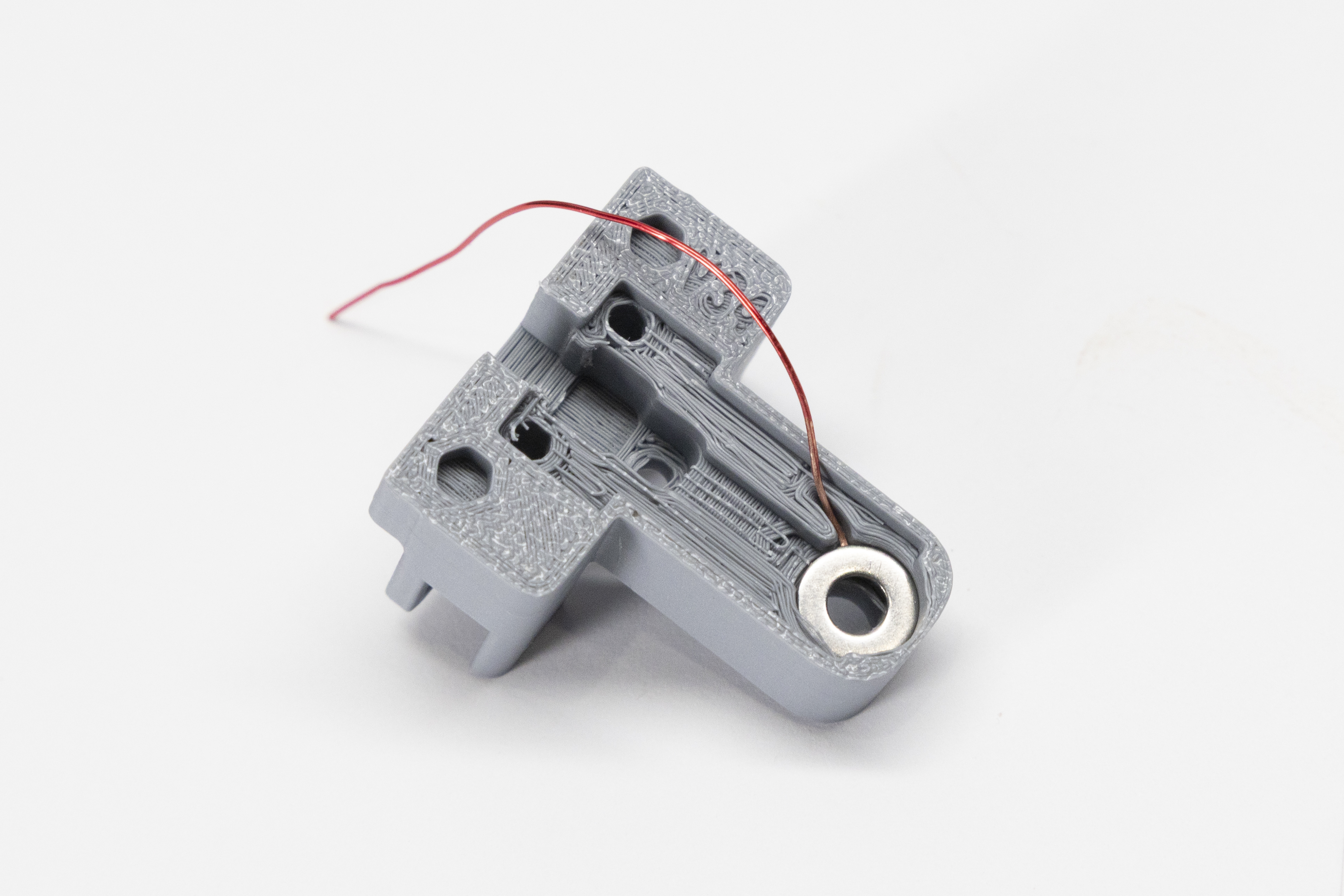
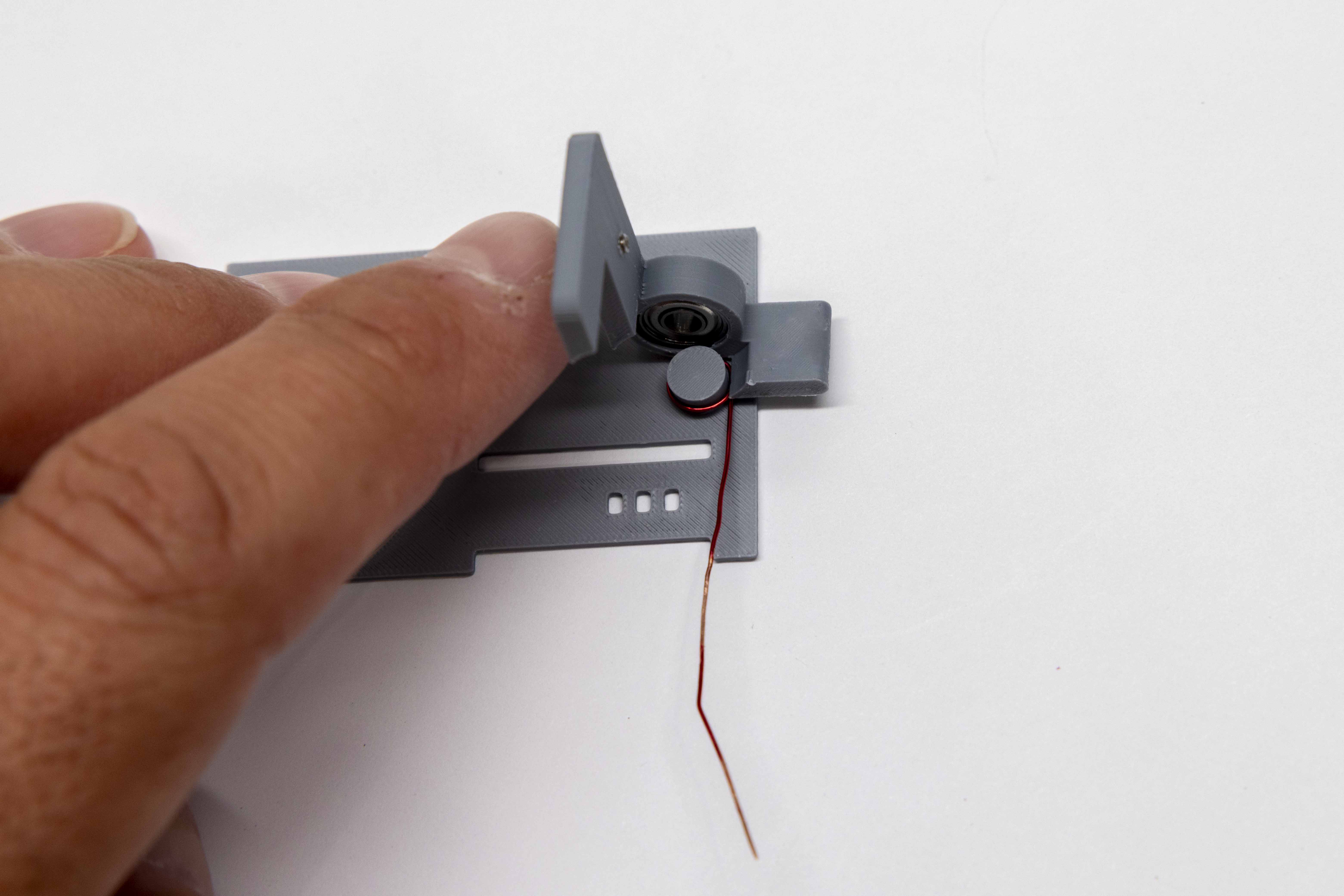
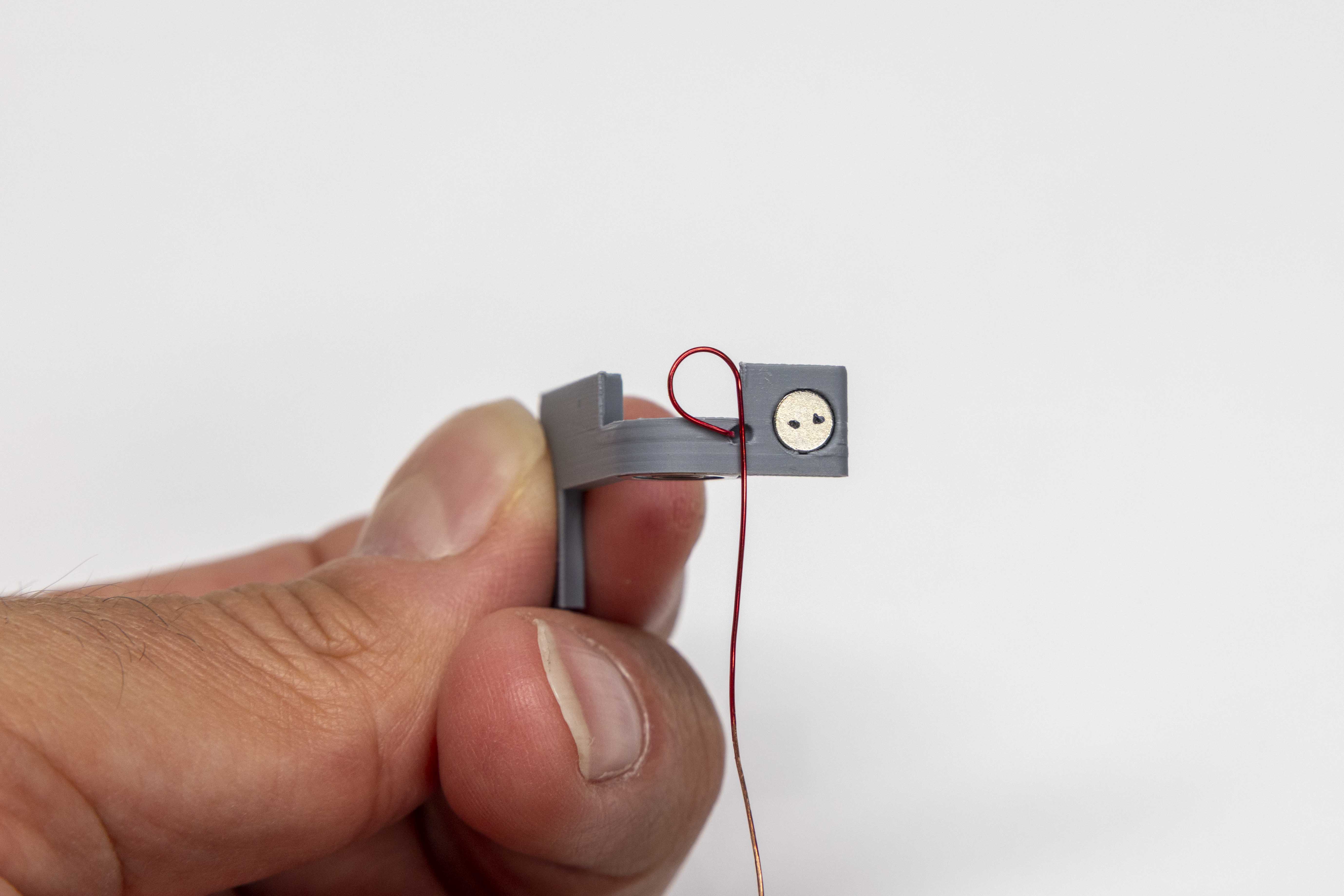
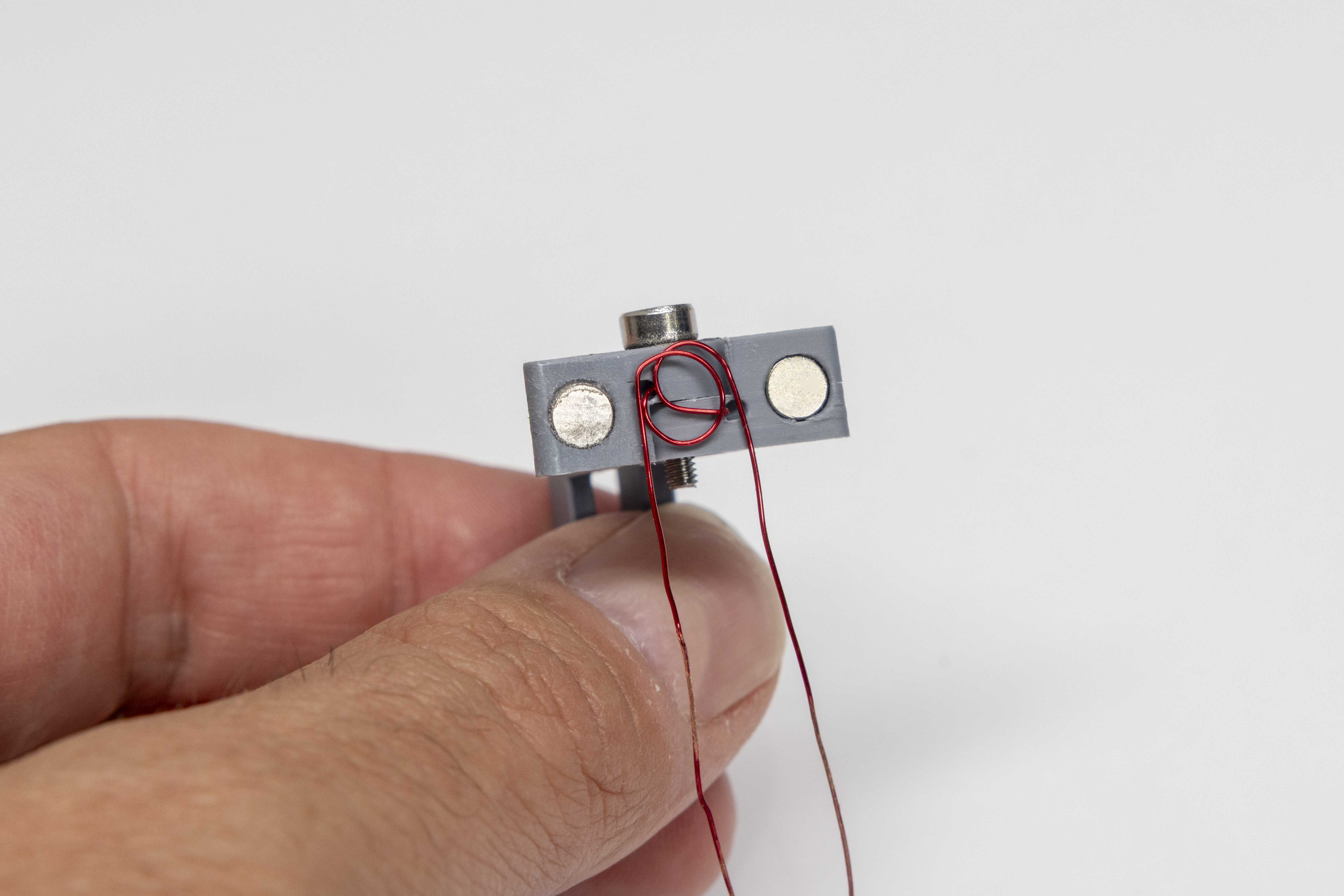
Using the travel case lid as a winding jig, form a stress-relief loop on each paddle wire. The loops reduce tension on the wire during paddle movement. Each paddle is wound differently — follow the instructions for each side carefully.
Left Paddle — 360°
Right Paddle — 270°
Final Step — Seat the Loops
With both loops wound, press each loop firmly with your finger, pushing it as close to the paddle body as possible. This seats the wire flush and keeps the loop from interfering with assembly.
Build the mechanical stack outside the key body first, then lower the complete assembly into position as a unit.
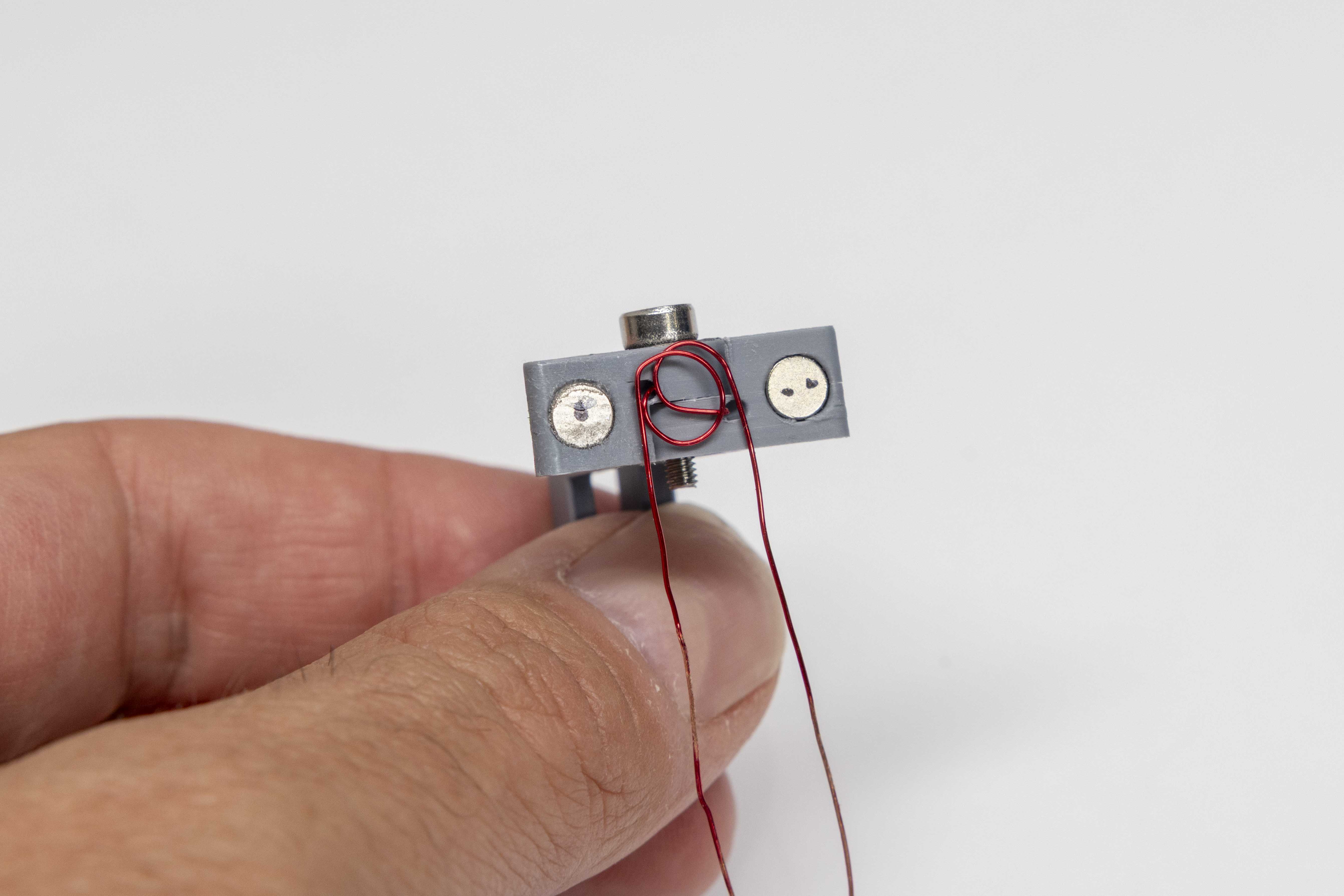
Symptom: Resistance greater than 1 ohm, or no continuity between the set screw and the wire end.
Part 1 — Set screw not fully seated: With your multimeter probes still in place, press down firmly on the set screw with your finger. If resistance drops toward zero when you apply pressure, the screw tip is close but not making consistent contact with the wire. Tighten the set screw an additional ⅛ turn (45 degrees) using the 0.9mm hex key and recheck resistance. Repeat in ⅛-turn increments until resistance is less than 1 ohm without applied pressure.
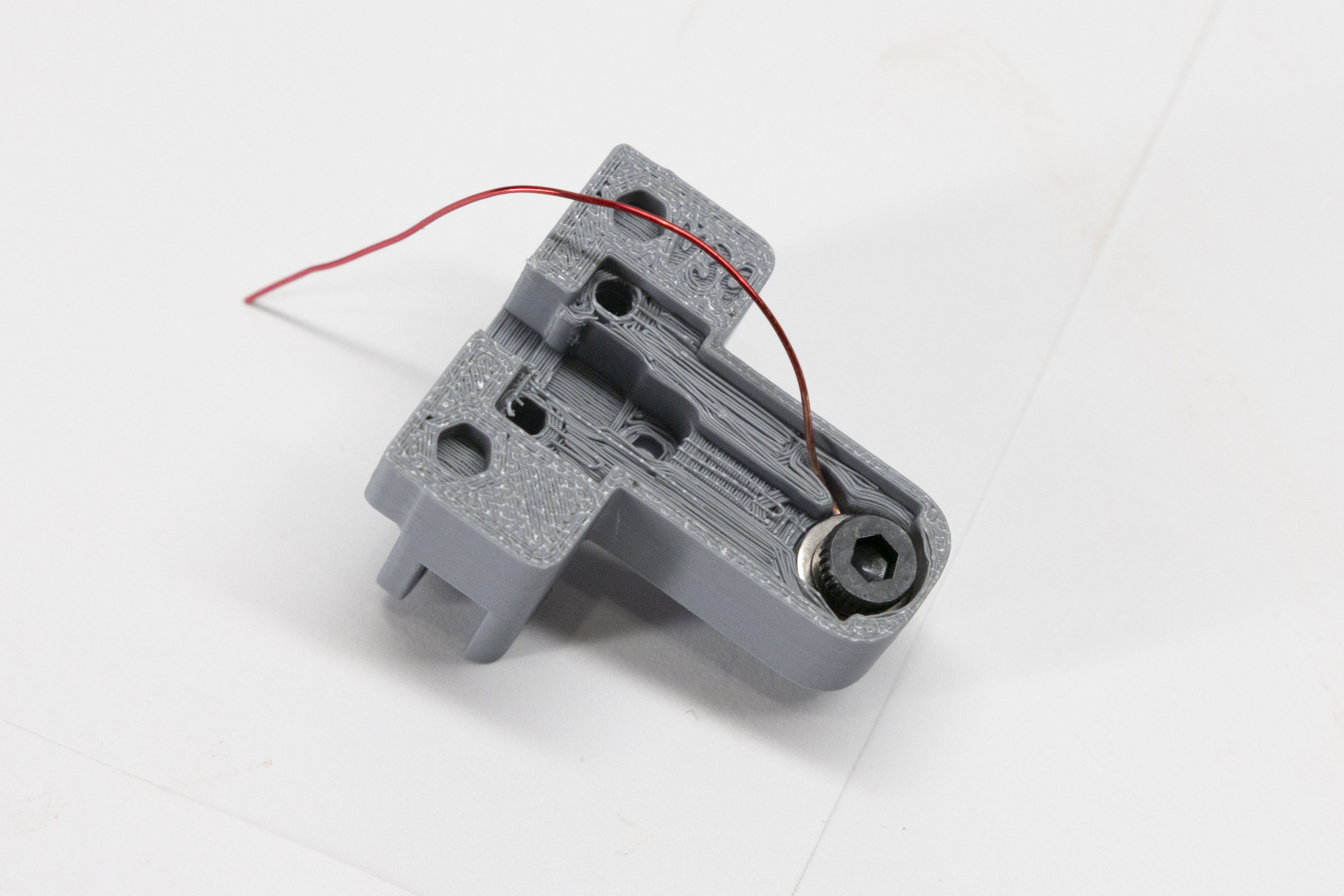
Part 2 — Insulation not fully removed: If resistance remains high regardless of pressure, the issue is likely enamel insulation still present on the wire end beneath the set screw. Remove the set screw and inspect the wire tip — bare copper should be bright and visible on all sides. If any red or reddish coating remains, use the 0.9mm hex key to gently unseat the wire loop from the paddle arm wiring hole, re-sand the end of the wire with the included sandpaper until clean bare copper is exposed all the way around, re-seat the loop, reinstall the set screw, and recheck continuity.
← Return to Step 6Symptom: One or both paddles stays pressed in rather than springing back.
Most likely cause — magnet polarity: The 5×1mm body magnets may be installed with incorrect orientation. Refer to the dot markings from Step 8 — the marked face must point outward. If the magnets are attracting the paddle instead of repelling it, they are reversed.
Also check — shoulder bolt over-tightened: Excessive torque on the shoulder bolt clamps the bearing inner races together, preventing free rotation. Back the bolt out ¼ turn at a time and test paddle movement after each adjustment until both paddles pivot freely.
← Return to Steps 10–11Symptom: Running a fingertip across the trimmed jack terminals reveals a point or protrusion above the lid surface.
Most likely cause — wrong cutter type: Standard diagonal cutters leave a pointed stub on the remaining wire because both jaw faces are angled. Flush cut wire cutters have one completely flat jaw face, producing a clean perpendicular cut with no stub. Re-trim using flush cutters.
Do not use a metal file to remove the stub. The jack terminals are thin and fragile — filing will almost certainly snap them off, requiring a replacement jack. Only flush wire cutters should be used for this step.
← Return to Step 15Symptom: The Key Cover rocks or will not seat flat against the key body.
Inspect first: Turn the key sideways and visually check whether any solder joints protrude above the face of the key body. A joint that stands even slightly proud will prevent the cover from seating.
Fix — file protruding joints: Using the steel file, gently file any raised joints flat. Use short, light strokes and check fit frequently. The cover should drop into place without force once all joints are flush.
← Return to Step 15Symptom: The shoulder bolt spins freely without resistance, or cannot be tightened enough to hold the paddles in place.
Cause: The threads in the key body have been stripped by overtightening.
Workaround: Back the shoulder bolt out completely. Apply a small drop of super glue directly into the stripped hole. While the glue is still wet, reinsert the shoulder bolt and tighten it to the correct snug position. Hold or clamp the bolt firmly in place and allow the glue to fully cure before handling. This is not a permanent fix, but it restores function in most cases.
← Return to Step 14